
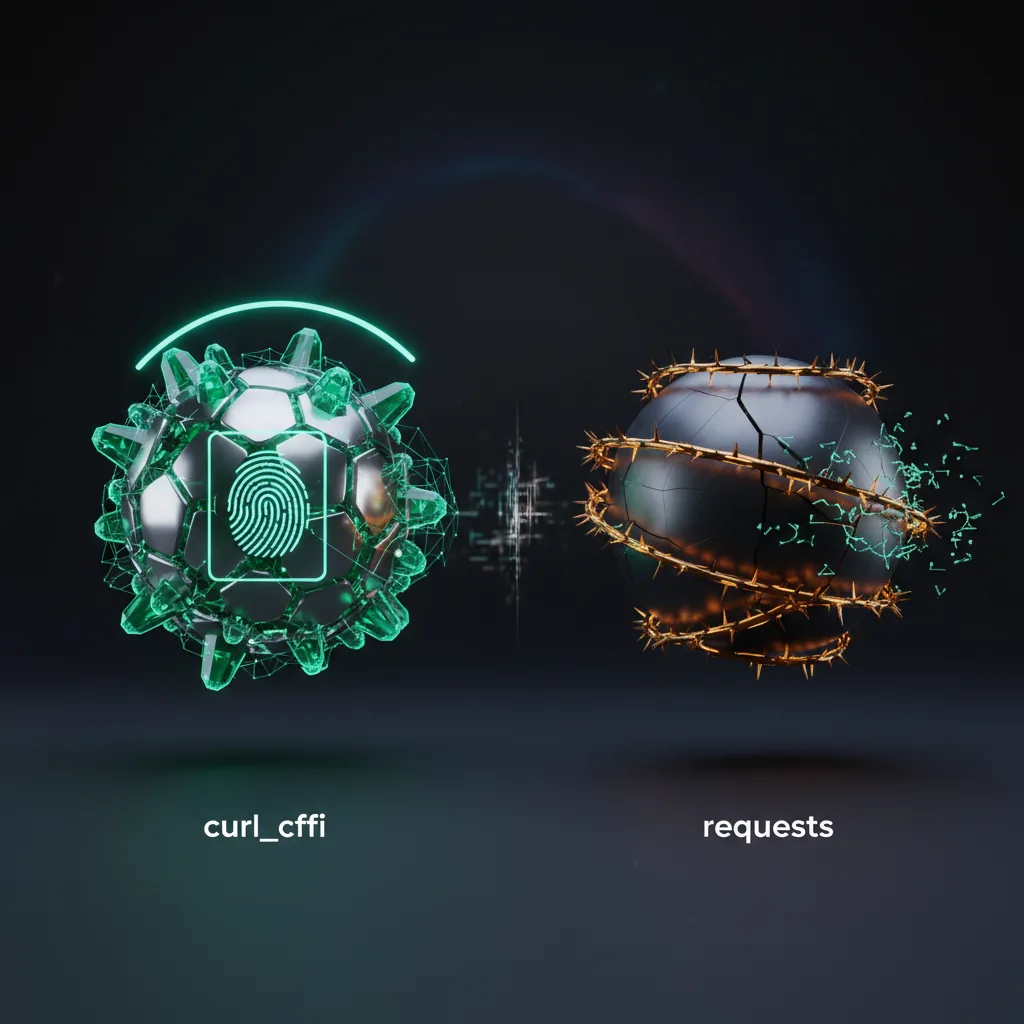
Why requests has a Python-shaped TLS fingerprint
The requests library cannot control how its TLS handshake looks, so every connection carries a fingerprint that signals "Python automation" rather than a browser. Under the hood, requests uses urllib3, which uses Python's built-in ssl module backed by OpenSSL. The order of cipher suites, the set of TLS extensions, the supported elliptic curves, and the ALPN values are all fixed by that stack and differ from what Chrome, Firefox, or Safari send.
Anti-bot systems hash these handshake parameters into a compact label. JA3 hashes the TLS 1.2-era ClientHello fields; the newer JA4 adds details like the ALPN protocol and whether the connection negotiated HTTP/2. Because every requests install on a given Python version produces the same handshake, that hash has been seen on millions of bot connections and is trivial to match against a deny list.
- Spoofing the
User-Agentheader does not help: the header says "Chrome" but the TLS layer underneath still says "Python," and the mismatch itself is a signal. - HTTP/2 frame settings (header order, window sizes, pseudo-header ordering) add a second fingerprintable layer that requests does not emit, because requests speaks only HTTP/1.1.
None of this matters for an endpoint that does not inspect TLS. It becomes the deciding factor only when a site runs a fingerprint check, which is exactly the gap curl_cffi is designed to fill.
How curl_cffi impersonates a browser, and how close the API is
curl_cffi binds Python to curl-impersonate, a patched build of libcurl that swaps in the same TLS settings real browsers use, so the JA3/JA4 and HTTP/2 fingerprints match a genuine browser instead of a generic client. You select the target with a single impersonate= argument: pass a version like "chrome124" or "safari18_0", or a moving alias like "chrome", "safari", or "firefox" to track the latest profile the library ships. New version labels are added when a browser's fingerprint actually changes, so a skipped number can usually be covered by the nearest earlier profile.
The migration cost is low because curl_cffi deliberately mirrors the requests API. The same call shapes work with minimal edits:
curl_cffi.requests.get(url, impersonate="chrome")mirrorsrequests.get(url).Session()objects persist cookies and connections, like requests'Session.- Familiar keyword arguments carry over:
params,headers,json,data,proxies,timeout, andverify.
It also goes beyond requests where the protocol matters: it supports HTTP/2 (and newer builds add HTTP/3), WebSocket connections, and an asyncio interface for concurrency. The practical differences are that you must pick an impersonate target to get the browser fingerprint, and that curl_cffi installs a compiled wheel rather than being pure Python.
When to reach for each one (and where they stop)
Use requests when the target does not fingerprint clients, and use curl_cffi when TLS or HTTP/2 fingerprinting is what gets you a 403. Each tool genuinely wins in its own lane.
requests is the better pick when you are calling a documented JSON API, an internal service, or a static page with no anti-bot layer. It is pure Python, has no compiled dependency, ships in nearly every environment, and has the largest ecosystem of adapters, auth helpers, and tutorials. For that work, adding curl_cffi buys you nothing and adds a binary dependency.
curl_cffi is the better pick when the same request works in a real browser but returns a block from requests, when responses differ depending on the client, or when you need HTTP/2, HTTP/3, or WebSocket support that requests does not provide. Because the API overlaps so heavily, swapping in curl_cffi is often a small diff.
It is worth being clear about the limit: curl_cffi fixes the transport fingerprint, not behavior above it. It does not run JavaScript, solve challenges, render pages, or manage proxy rotation. Sites that gate on browser execution still need a real browser engine such as Playwright or Selenium. When you would rather not assemble TLS impersonation, headless browsers, proxy pools, and retry logic yourself, a managed web-data API like Scrappey bundles those concerns behind a single call, while curl_cffi remains an excellent self-hosted choice when transport fingerprinting is the only obstacle.