
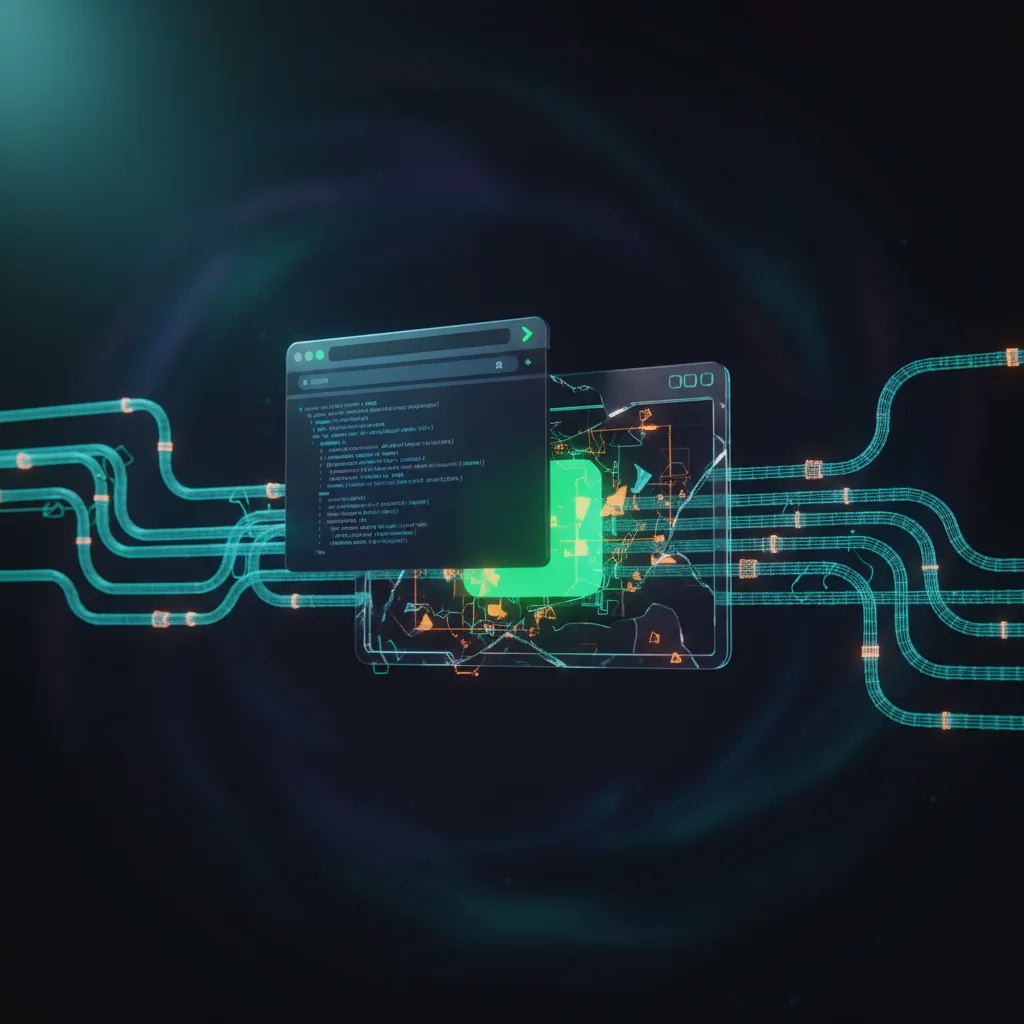
How headless browsers work
A headless browser is literally the same program as the normal one — you just start it differently. Chromium has a `--headless` flag and Firefox has `-headless`. When it starts, the browser opens a control channel (a debugging protocol — Chrome DevTools Protocol for Chromium, or WebDriver BiDi, the newer standard that works across browsers) and listens on a local port, like a phone line waiting for instructions. Your automation library dials that port and sends commands: go to this URL, wait until this element appears, click this button, run this JavaScript, hand back the HTML. The browser carries them out using its full rendering pipeline — the same network stack, the same JavaScript engine (V8 in Chrome, SpiderMonkey in Firefox), the same DOM (the in-memory tree of the page). The only thing missing is the window on screen.
Why scrapers need headless browsers
Most modern sites no longer send you a finished HTML page. They send a near-empty shell plus a JavaScript bundle that then fetches the real data from internal APIs and builds the page in your browser — this is how React, Vue, Next.js, and Angular all work. So a plain HTTP request hands you the empty shell, not the content you actually want. A headless browser runs that JavaScript, waits for the API calls to come back, and gives you the finished DOM. It also handles the other moving parts of a real visit — cookies, localStorage (small data the site saves in the browser), redirects, form submissions, and WebSocket connections (live two-way links) — all things a simple request library either can't do or can't fake convincingly.
Headless browser detection
Anti-bot vendors actively hunt for headless browsers, because the default headless mode gives itself away. Chrome's default headless leaks tells: the `navigator.webdriver` property reads `true` (a flag set whenever a browser is being automated), the User-Agent string contains "HeadlessChrome", the window reports no size, browser plugins are missing, and the WebGL renderer (the graphics-card name the browser reports) comes back generic instead of real-looking. Some libraries (puppeteer-extra-plugin-stealth, playwright-stealth) adjust these default values so an automated browser presents a configuration closer to a normal one; detection vendors track new signals; the dynamic continues to evolve. Chrome's newer `--headless=new` mode closes most of the old differences and is commonly used today. For some sites, a real headful browser with display virtualization (a fake on-screen display so the browser behaves as if a monitor is attached) produces more consistent behavior, which is what scraping APIs run behind the scenes.
When not to use a headless browser
Headless browsers are expensive to run — hundreds of MB of RAM each, and seconds per page load. If the target site has an obvious internal API endpoint (open DevTools, go to the Network tab, and look for XHR/fetch calls that return JSON), just call that directly with a plain HTTP request. If the site renders its pages on the server and ships complete HTML, a request library plus an HTML parser will be 10–50x faster. Save the headless browser for when the page truly needs JavaScript to render, when you need to interact with elements like buttons or forms, or when the site fingerprints you before it will hand over anything useful.