
How UC Mode and CDP Mode work
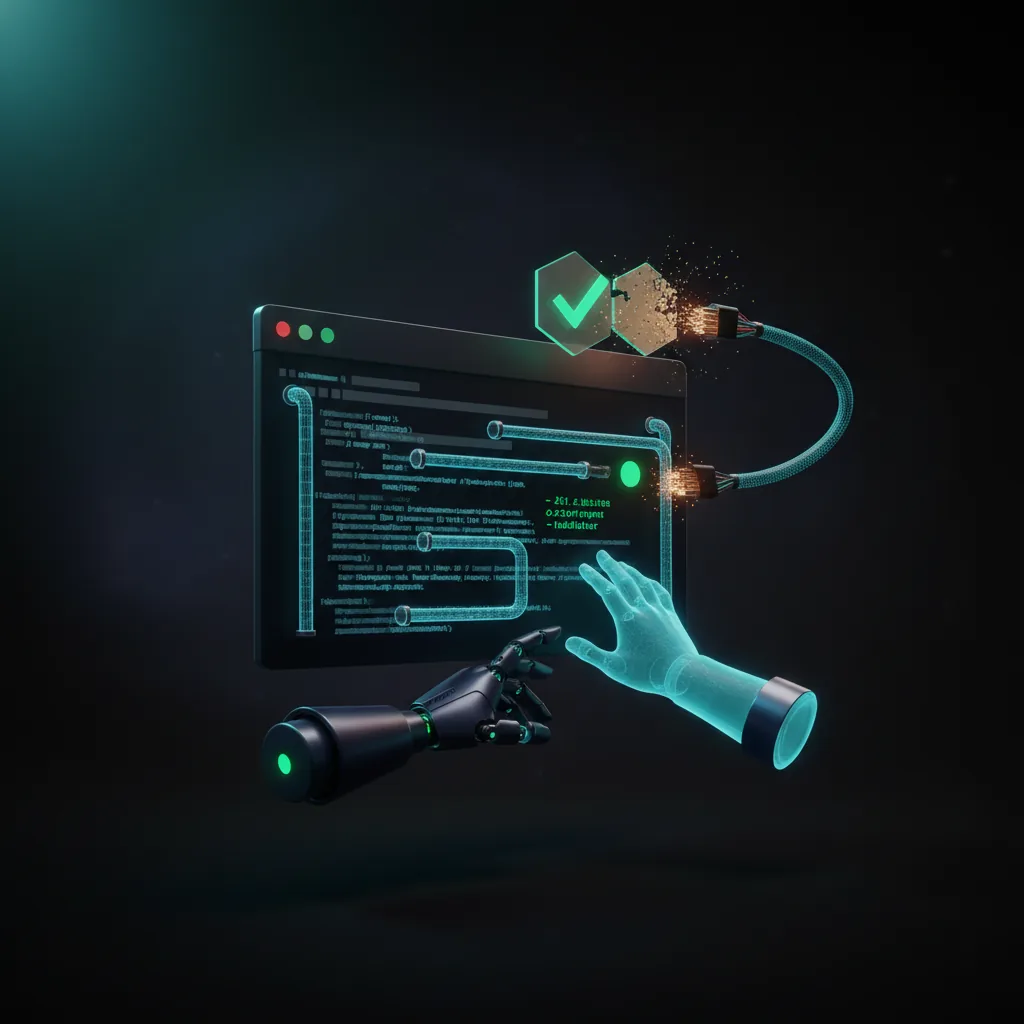
UC Mode combines three tricks. First, it patches the chromedriver binary (chromedriver is the program Selenium uses to control Chrome) to randomise the window.cdc_* values — telltale variables that automation tools leave behind and that websites scan for. Second, it uses a browser-first launch: Chrome starts as a normal, clean process and chromedriver connects to it afterwards, instead of Chrome being opened by the driver and carrying automation signatures from the very first moment. Third — the clever part — it disconnects the driver (driver.service.stop()) during page loads and clicks. It schedules the navigation or click through JavaScript while disconnected, then reconnects. This keeps the browser's runtime state consistent during the moments a page is most actively inspecting its environment.
CDP Mode goes a step further: it controls the page directly through the Chrome DevTools Protocol (the same channel Chrome's own dev tools use), so the usual WebDriver fingerprints are not present. It is slower than plain Selenium but presents a cleaner environment, and you can mix it with WebDriver when you need to.
Built-in CAPTCHA handling
SeleniumBase is the only tool in this comparison that handles CAPTCHAs automatically. uc_gui_click_captcha() and uc_gui_handle_captcha() use PyAutoGUI — a library that controls the real mouse and keyboard at the operating-system level — to move the cursor along natural curves and click the Turnstile or reCAPTCHA checkbox at a small random offset. Because PyAutoGUI works at the operating-system level rather than inside the browser, the interaction looks like ordinary mouse input. This is intended for verification on services you are authorized to access. The catch: it needs an actual display, so on Linux you must run it under xvfb (a virtual screen) rather than true headless (no screen at all).
Strengths, costs, and when to use it
The repo ships 200+ working examples that run against real protected sites (Cloudflare, Imperva, DataDome, Kasada, PerimeterX, reCAPTCHA). Use it when: you want built-in CAPTCHA handling, a full pytest/unittest testing framework, or are working with protected sites you are authorized to access in Python. Costs: a steep learning curve, a heavy set of dependencies, and speeds 2–5× slower than plain Selenium because of the disconnect/reconnect overhead. UC Mode is also detectable in true headless, so use xvfb instead. It is commonly paired with residential proxies (IP addresses tied to home internet connections) and incognito=True.