
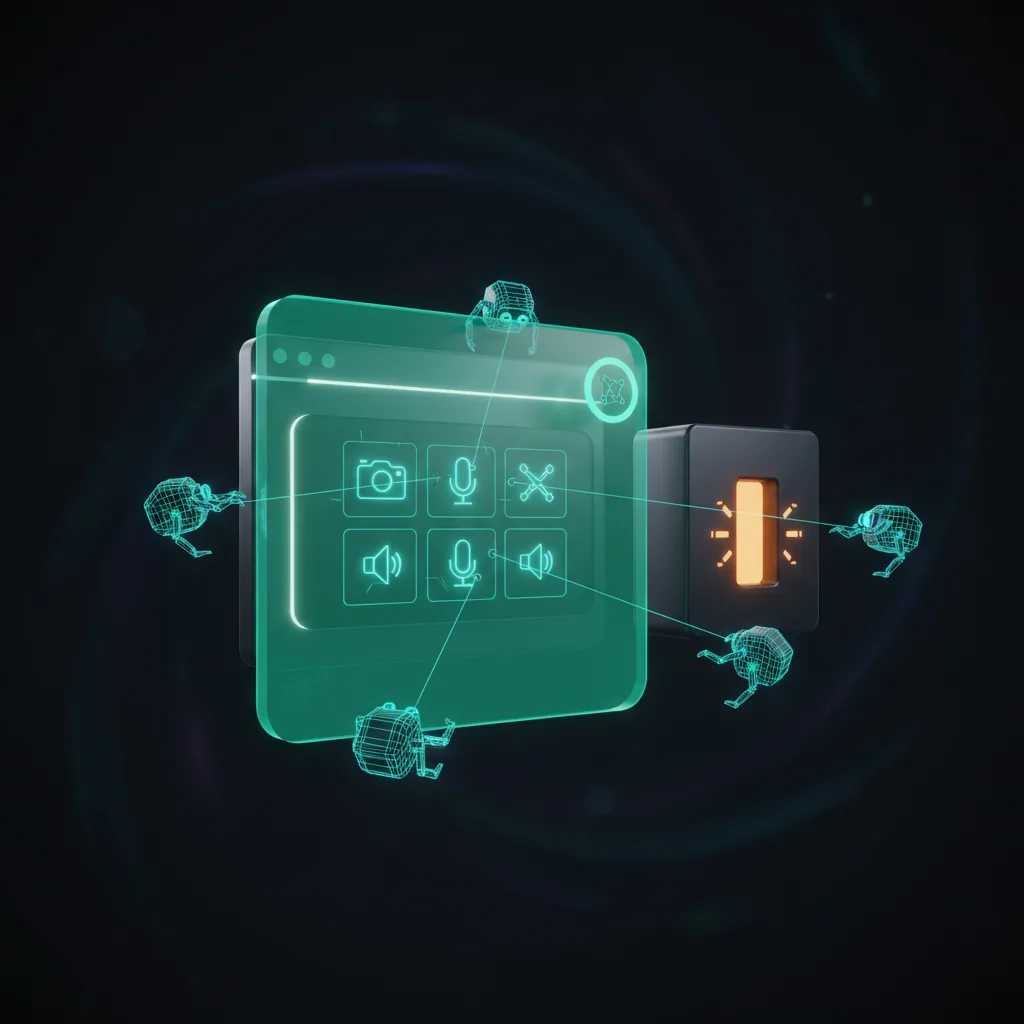
What the device list reveals
Even before you grant permission, enumerateDevices() returns one object per device with its kind (audioinput, audiooutput, or videoinput) and a non-empty deviceId/groupId; only the label stays blank until the user grants camera or microphone access. So a site learns how many devices of each type exist and how they are grouped - enough to tell what class of machine it is. A typical laptop reports at least one microphone, one camera, and one or more audio outputs; a desktop without a webcam reports a microphone and output but no video input.
The numbers cluster by device type and stay stable per machine. That makes them a low-entropy but coherent signal - on its own it does not narrow you down to one person (entropy = how much a value pins down who you are), but it has to agree with the rest of the fingerprint.
The headless tell
Headless browsers on servers usually have no real media hardware, so enumerateDevices() returns an empty array (an empty list) or a single placeholder. On a request claiming to be a normal desktop or laptop, zero devices - particularly zero audiooutput - is anomalous, because real consumer machines almost always have at least a default audio output. macOS in particular always exposes audio output devices, so a "MacBook" with none is incoherent.
Chrome flags like --use-fake-device-for-media-stream add synthetic devices, but those fakes have recognisable default labels and group structure that differ from real hardware. As with audio and WebGL fingerprinting, the believable fix is a device list copied from a real machine of the claimed class, served consistently for the whole session, rather than a generic fake.