
Key Differences
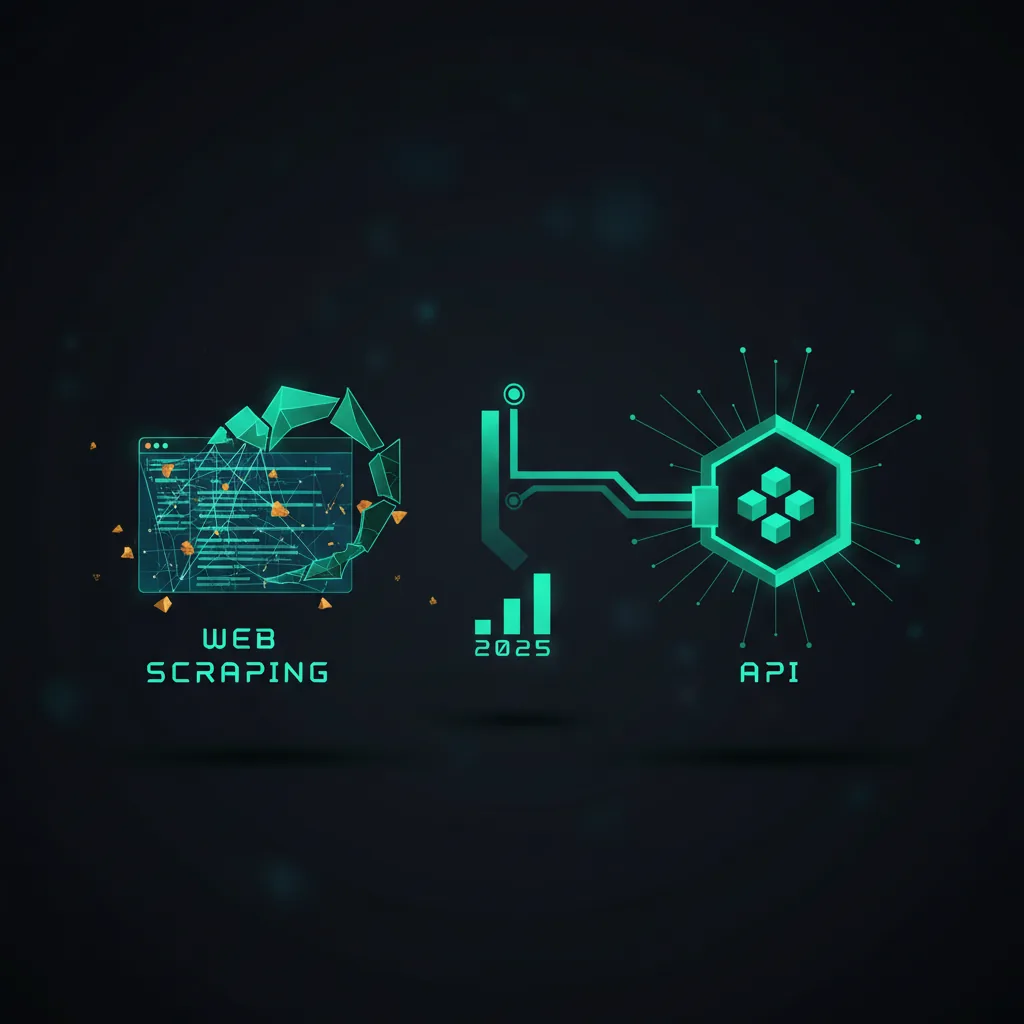
The core trade-off: an API is a front door the site built for you, with clear rules and clean data. Scraping is reading the public web page like a browser would and pulling values out of the HTML yourself. Here is how they compare.
Data access
| Aspect | Official API | Web Scraping |
|---|---|---|
| Data format | Structured (JSON / XML) | HTML parsing required |
| Rate limits | Clearly defined | Unknown / undocumented |
| Documentation | Available | None |
| Data structure | Stable | May change without notice |
| Support | Official | None |
In short: an API gives you tidy JSON or XML (machine-readable data formats) plus docs and stable fields. With scraping you parse raw HTML, with no docs and no promise the page won't change tomorrow.
Implementation example
The code below shows both. The API version asks for data and gets JSON back. The scraping version downloads the page and digs the values out of the HTML using BeautifulSoup (a Python library for reading HTML).
# API Approach
import requests

def fetch_api_data(api_key):
    headers = {'Authorization': f'Bearer {api_key}'}
    response = requests.get('https://api.example.com/data', headers=headers)
    return response.json()

# Scraping Approach
from bs4 import BeautifulSoup

def scrape_website_data(url):
    response = requests.get(url)
    soup = BeautifulSoup(response.text, 'lxml')
    data = {
        'title': soup.find('h1').text,
        'content': [p.text for p in soup.find_all('p')]
    }
    return data
When to Choose Each
Use this as a quick decision guide. If the site offers an official API that has the data you need, start there. Reach for scraping when no API exists, the API is too limited, or it costs too much.
Use an API when
- Official access is available
- Your budget allows for API costs
- You need a stable data structure
- Real-time data is required
- The rate limits are acceptable
Use web scraping when
- No API is available
- API costs are too high
- You need custom data extraction
- Historical data is required
- You need a flexible solution
Best Practices
Whichever route you take, wrap the request in error handling so one bad response doesn't crash your program. The two patterns below show clean, reusable starting points.
1. API Integration
Reuse one Session object so your auth headers are set once, and call raise_for_status() to turn error responses (like a 401 or 500) into exceptions you can catch and log.
class APIClient:
    def __init__(self, api_key):
        self.session = requests.Session()
        self.session.headers.update({
            'Authorization': f'Bearer {api_key}',
            'Content-Type': 'application/json'
        })

    def get_data(self, endpoint, params=None):
        try:
            response = self.session.get(f'https://api.example.com/{endpoint}', params=params)
            response.raise_for_status()
            return response.json()
        except requests.exceptions.RequestException as e:
            logger.error(f'API request failed: {e}')
            return None
2. Scraping Implementation
Set a realistic User-Agent (the header that tells a site which browser is calling) so requests look like a normal browser, and again catch errors instead of letting them bubble up.
class WebScraper:
    def __init__(self):
        self.session = requests.Session()
        self.session.headers.update({
            'User-Agent': 'Mozilla/5.0 (Windows NT 10.0; Win64; x64) AppleWebKit/537.36'
        })

    def scrape_data(self, url):
        try:
            response = self.session.get(url)
            soup = BeautifulSoup(response.text, 'lxml')
            return self.extract_data(soup)
        except Exception as e:
            logger.error(f'Scraping failed: {e}')
            return None
Remember: Always check terms of service and legal implications before choosing either approach.