Your finance lead opens three spreadsheets before the Monday meeting. Each one shows a different revenue number, each owner swears theirs is right, and someone says a new BI platform will fix it. It won't, at least not by itself.
Most rollouts stall on data modeling, licensing surprises, or missing ownership, not on chart quality. Nobody defined revenue once. Viewers needed licenses nobody budgeted for. The analyst who built the model left, and the dashboards gradually rotted. The Jumpstart Partners guide to financial dashboards is a useful reminder that executives need a small set of trusted metrics, not forty competing versions of them.
That's why this list of the best tools for business intelligence is grouped by team type and scale, not by a single ranking. You'll find options for enterprise governed reporting, SMB self-service, embedded analytics, and open-source internal reporting. Each entry says plainly who the tool will frustrate, what it'll cost you in time and maintenance, and where it's the wrong choice. One entry isn't a BI tool at all. It sits upstream, collecting public web data that later lands in your warehouse, and that boundary matters more than most buyers admit.
Don't buy for the demo. Buy for the team that has to model, govern, and pay for the thing in month thirteen.
1. Scrappey

Scrappey belongs upstream of a BI platform. Its web data access API is for teams collecting publicly available information from modern websites, such as competitor prices, product listings, inventory signals, search results, or company pages. The collection workflow ends when records reach a warehouse or database. BI work starts with modeling those records, defining governed metrics, and building reports.
A request to its HTTP endpoint can return HTML, JSON, cookies, screenshots, or LLM-ready Markdown. For static pages and API endpoints, direct HTTP avoids browser rendering. Dynamic, JavaScript-heavy pages require the full-browser option, which costs €1.00 per 1,000 requests with residential proxies included. The company describes both options as pay-per-success, with no monthly contracts. Check the current direct HTTP rate before budgeting, since the published pricing figures need confirmation.
What It Costs You in Practice
There is no subscription to manage, and you pay for successful requests. That can suit teams with uneven collection needs, though frequent dynamic-page requests can raise costs quickly. Route suitable static targets through HTTP, and reserve browser rendering for pages that need it. Programmable actions support clicking, scrolling, and custom JavaScript; persistent browser profiles can support multi-step workflows.
The GPT-4-powered AI Web Access API can extract structured data into a defined schema, reducing the need to maintain selectors. Scrappey also supports GPT-4 and DeepSeek extraction from dynamic websites using natural-language instructions. Integrations include LangChain, LlamaIndex, n8n, Make, Zapier, and Apify, alongside a CLI and MCP server. Proxy coverage supports collection across regions, and a free trial is available without a credit card.
Public data still needs review before it becomes a trusted dashboard metric. BARC's 2025 global survey of 1,795 data professionals identifies data security and privacy as leading BI priorities, followed by data quality management. Validate collected records before reporting: data validation methods for scraped inputs cover timestamping, source attribution, and schema checks.
Who it'll frustrate: teams looking for dashboards rather than data collection, and users expecting access to private information. Developers also need to account for applicable laws and website terms when collecting public data.
2. Microsoft Power BI
If your company already lives in Microsoft 365, Excel, Azure, or Fabric, start here and make other vendors beat it. Microsoft Power BI combines Power Query for data preparation, DAX measures on a reusable semantic model, and interactive reports your finance team can open inside Teams. Identity, licensing, and governance through Entra ID cut deployment friction in Microsoft-centric shops.
The catch is adoption, not features. Gartner-reported research in a Power BI and Tableau market comparison found ABI tools were used by only 29% of employees on average, even as usage rose in most organizations. Dashboards that nobody opens are shelfware with a refresh schedule. Measure weekly active viewers, not report count.
A free desktop authoring option gets analysts started, but publishing and sharing generally require paid licensing or capacity. Price it at your real viewer count before you commit. DAX also has a genuine learning curve, and complex models need performance tuning or they crawl.
For teams feeding reports from live external feeds, our walkthrough on building a real-time data pipeline into your warehouse covers refresh and freshness checks. It's also worth scanning an AI reporting software comparison before assuming the built-in AI features replace a modeled dataset. They don't.
Who it'll frustrate: Mac-first teams, companies outside the Microsoft ecosystem, and anyone who expects sharing to stay free at scale. It's the wrong choice if nobody on staff will own the semantic model.
3. Tableau
Pick Tableau when visual exploration and storytelling are the actual job. Analysts who think by dragging fields around and testing views will move faster here than almost anywhere else. Dashboards are polished, filters feel natural, and business users explore instead of exporting to Excel.
Tableau Prep Builder handles data preparation, and you can choose Tableau Cloud, managed by Salesforce, or self-managed Tableau Server if deployment control matters. Licensing splits into Creator, Explorer, and Viewer roles. That structure is sensible, but authors and viewers pay differently, and annual contracts with minimum deployment requirements push total cost up fast. Model the full headcount, including executives who only look twice a month.
Onboarding deserves budget too. Gartner material summarized in a Tableau and Power BI comparison from Kagool reports that 82% of surveyed leaders consider support services important and 79% value training materials in their primary language. Treat training as a line item, not an afterthought.
Competitive analysis is a classic use case here, and our guide to competitor price intelligence shows how external pricing data should arrive before it reaches a workbook.
Practical rule: If your dashboards need a full-time curator to stay trustworthy, you've bought a visualization tool without buying governance. Budget for both.
Who it'll frustrate: cost-sensitive SMBs, teams wanting simple fixed reporting, and IT groups that let workbooks multiply without certified data sources. Uncontrolled, it produces beautiful disagreement.
4. Looker (Google Cloud)
Looker on Google Cloud suits teams that need one governed definition for each business metric. Its LookML semantic modeling layer defines metrics in code under version control, so dashboards reuse the same logic. When finance and sales disagree about revenue, teams can trace the definition and see how it changed.
This is enterprise governed reporting, distinct from the free Looker Studio product. Looker includes interactive dashboards, data exploration, SQL access, APIs, and an embedded analytics edition for customer-facing use. Google Cloud Core instances are hosted by Google across multiple enterprise editions, so the product suits teams comfortable with Google-hosted deployment, but not buyers with strict self-hosting requirements.
Governance pays off only when people use and trust the metrics. A global MIT Sloan Management Review and IBM survey of more than 3,000 executives, managers, and analysts found top-performing organizations used analytics five times more than lower performers. LookML provides a way to standardize definitions, but building and maintaining that model takes technical ownership.
Pricing is custom and not publicly listed, so get viewer and embedded terms in writing before committing. LookML also requires dedicated technical ownership. A data engineer must treat the model as a maintained product, adding ongoing staffing and maintenance costs.
Who it'll frustrate: small teams without analytics engineers, buyers who need transparent per-seat pricing, and business users expecting day-one self-service without a modeled layer. Looker is a poor fit when the team cannot fund that modeling work.
5. Qlik Cloud Analytics
Most BI tools walk users down fixed paths. Qlik Cloud Analytics does something different with its associative analytics engine, which lets users explore relationships across connected data and see what's excluded, not just what's selected. For messy operational data where the interesting question is "what didn't happen," that's useful.
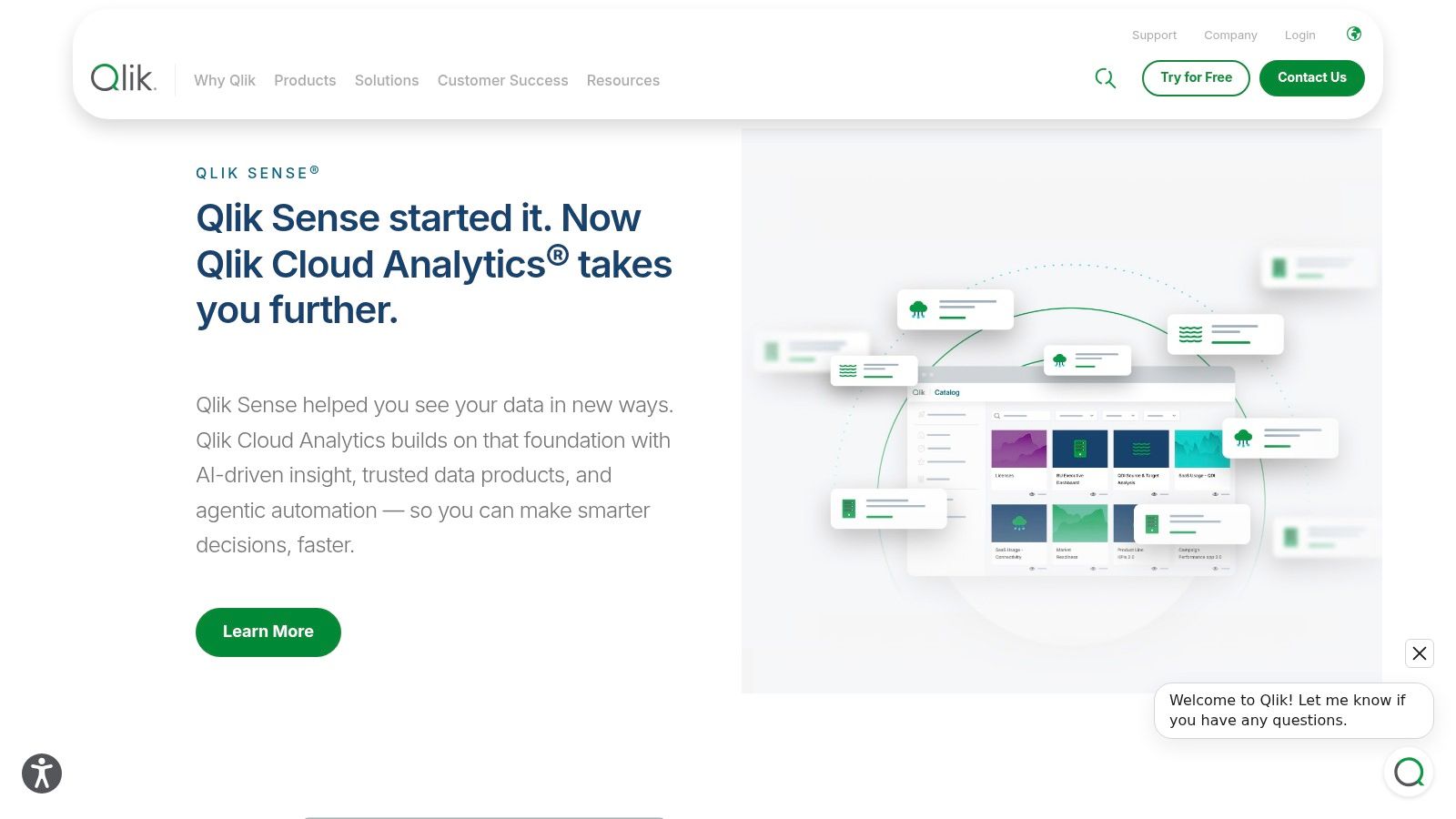
Plans run from smaller-team offerings up to enterprise tiers with expanded data capacity, governance, and predictive analytics. Insight Advisor adds AI-assisted analysis, and the wider platform includes data integration options alongside connections to many sources. That breadth helps if you'd rather consolidate vendors than stitch tools together.
Budgeting requires careful attention. Capacity-based pricing means usage planning matters, and surprises occur when data volumes grow faster than your forecast. Advanced capabilities sit in higher tiers, so map the features you need against the tier that includes them. I would pilot with your largest dataset, not your cleanest one.
Analysts coming from Tableau or Power BI also face an adjustment period. The associative model changes how you build, and retraining time is a real cost even when licenses look reasonable.
Who it'll frustrate: teams wanting the cheapest possible dashboards, analysts who refuse to relearn their workflow, and finance departments that hate consumption-based bills they can't predict within a narrow band.
6. Metabase
For SMB self-service and internal reporting, Metabase is the tool I recommend most often. Point it at an existing database and non-technical users can build questions through a visual query builder, while analysts drop into the SQL editor when they need control. Dashboards, filters, and shareable reports cover most internal needs without a six-month implementation.
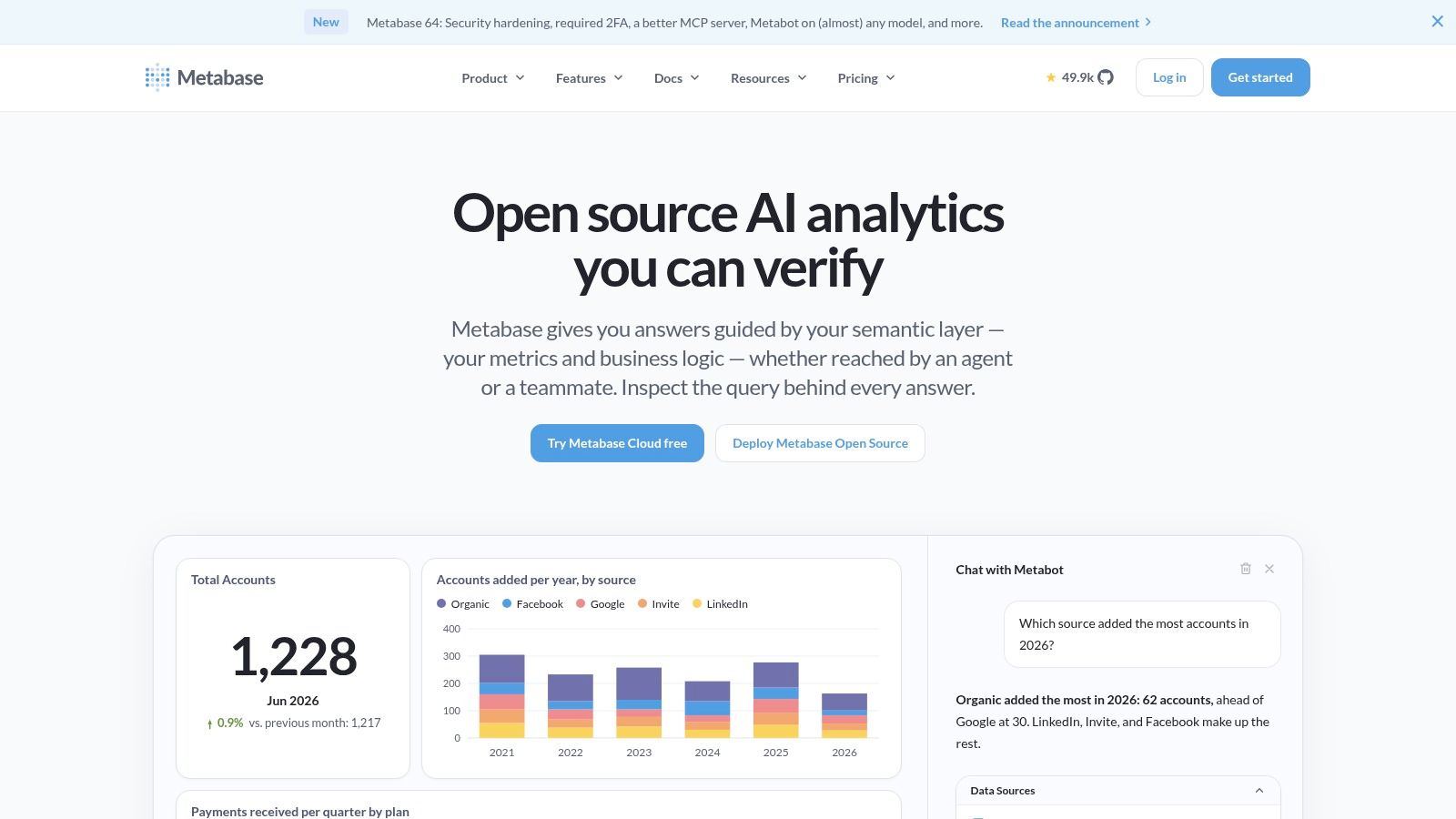
Deployment is your choice. The self-hosted open-source installation is free, which makes it a legitimate starting point for startups and small data teams. Managed cloud plans remove infrastructure work, and paid tiers add governance and embedded analytics capabilities.
Free has a price, though. Self-hosting means your team owns operations, backups, and updates. Advanced governance, SSO, and embedding are tied to paid plans, and per-user costs deserve a hard look if you're exposing dashboards to many employees or embedded customers. Price the year-two headcount, not the pilot group.
A free BI tool that one engineer patches at midnight isn't free. Count the maintenance hours honestly and the cloud plan often wins.
Who it'll frustrate: enterprises needing fine-grained governance on the free tier, and teams with no one willing to run infrastructure. It's also the wrong choice for pixel-perfect, board-facing visual storytelling.
7. Apache Superset
Apache Superset is the open-source option for engineering-led teams that want full control. It connects to SQL-speaking databases and query engines, supports chart creation and dashboards, and exposes a REST API for developer-led environments. There's no software license fee, and a contributor community plus documentation back the project.
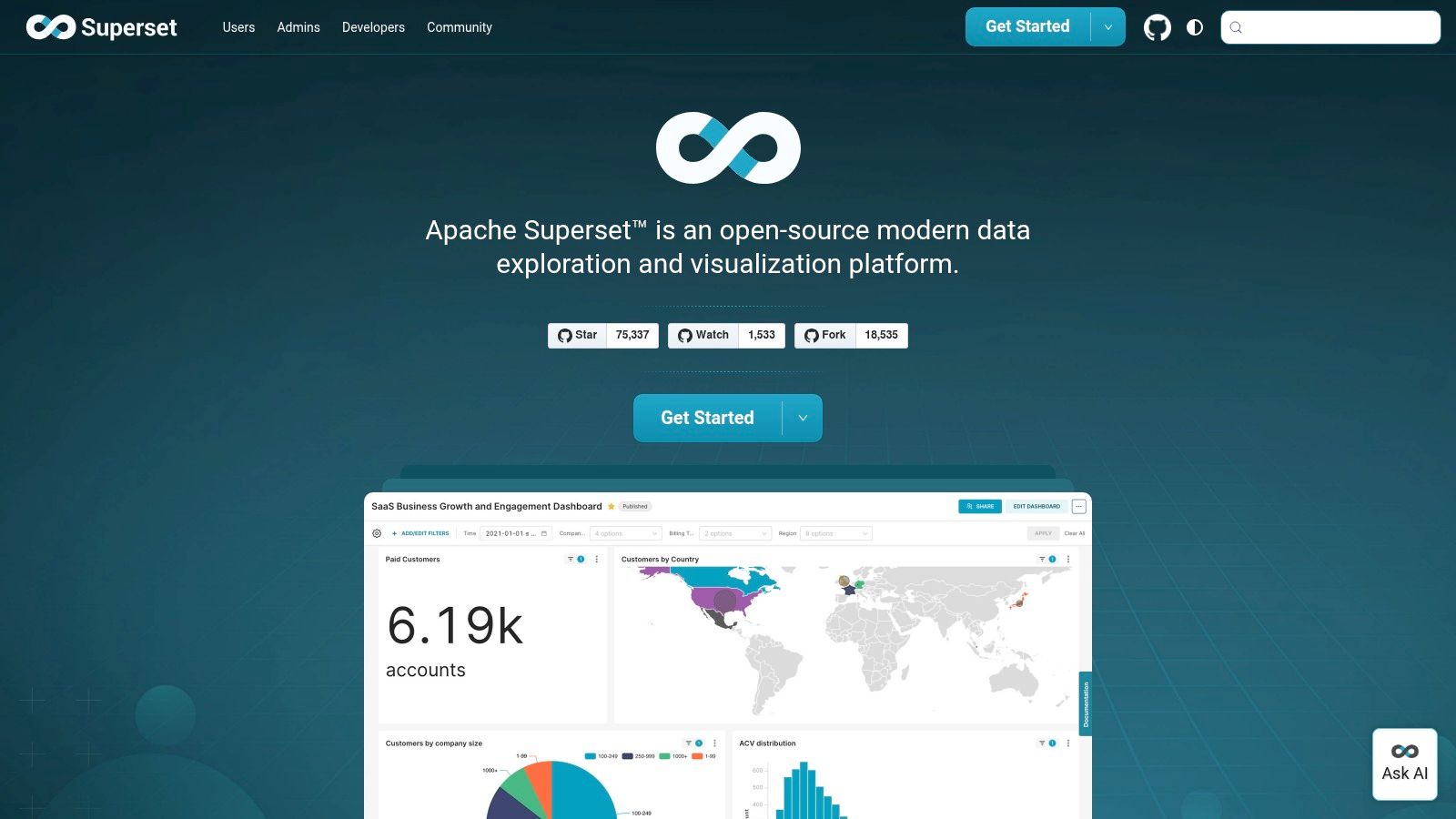
That control is the whole trade. Deployment, security, upgrades, and support are yours unless you pay a hosting provider. You'll need infrastructure and administration expertise in-house. Chart building is capable but less forgiving than commercial tools, so business users lean on whoever administers the instance.
Choose it when your warehouse is already SQL-centric, your engineers prefer owning the stack, and you'd rather spend salaries than license fees. Skip it when analytics is one person's side job. The instance will fall behind on patches, permissions will drift, and trust will erode.
There's a maturity point here too. Data from a MIT Sloan Management Review and SAS summary of analytics investment shows business analytics investment grew at an average annual rate of 8.5% from 2009 through 2013 while overall IT spending stayed weak. Companies kept paying because governed, maintained analytics delivered value. An unmaintained open-source install delivers the opposite.
Who it'll frustrate: non-technical teams, regulated organizations needing vendor support contracts, and anyone counting "free" as zero total cost.
8. ThoughtSpot
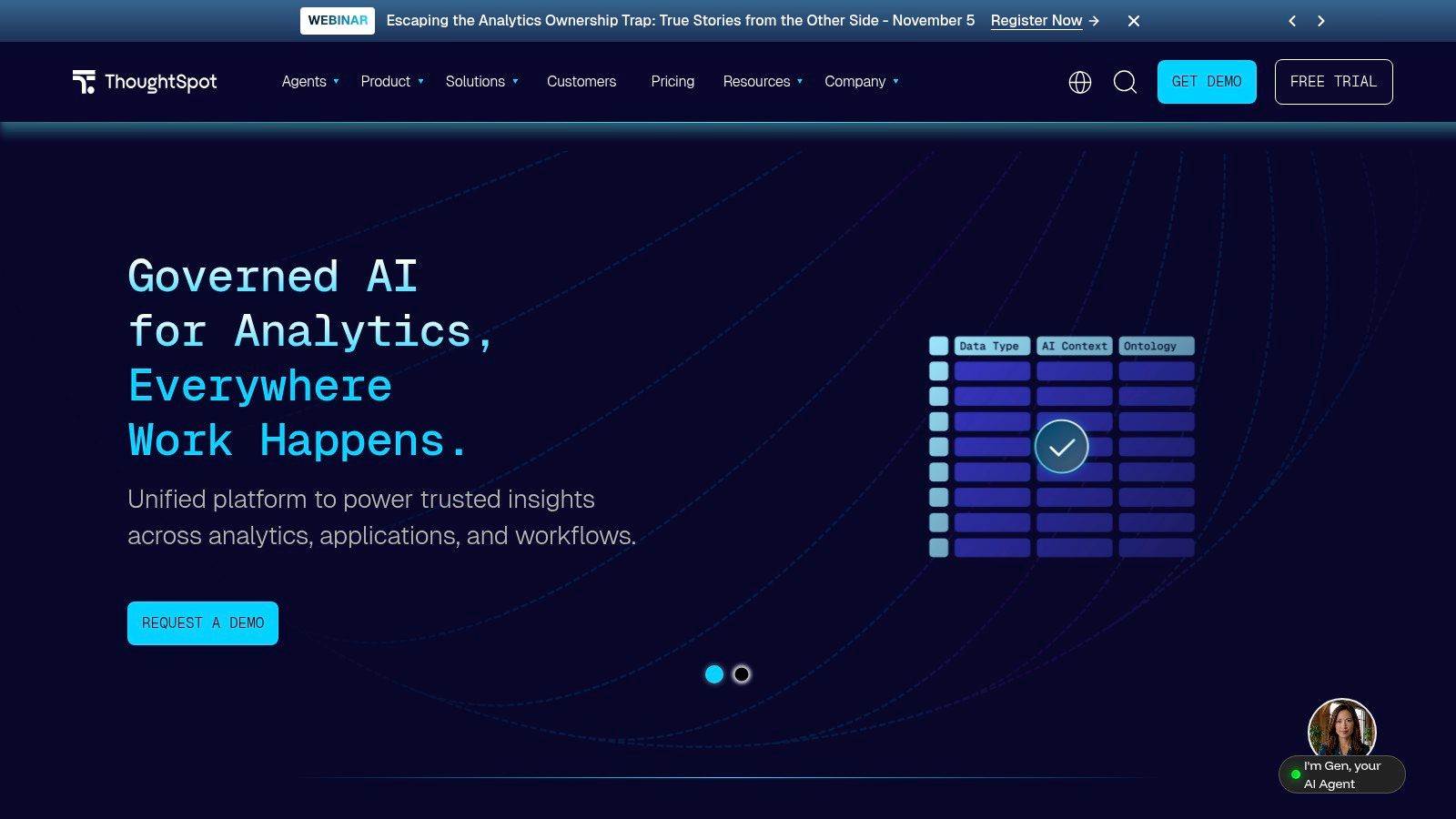
ThoughtSpot bets that business users would rather ask questions in natural language than learn a dashboard tool. Users search governed data conversationally, inspect answers, and drill into dashboards and automated insights. It also offers embedded analytics plans and developer APIs for putting that experience inside your own product.
Evaluate the AI by control, not by demo. Capgemini's 2025 survey of 1,100 leaders across 15 countries found 71% of organizations could not fully trust autonomous AI agents for enterprise use, and only 46% had governance policies in place. Ask how answers cite sources, inherit permissions, and log queries before you let a chatbot near revenue data.
The product provides some entry-level pricing figures for selected plans, which is more transparency than most enterprise vendors offer. Capabilities and limits still vary significantly by plan, and enterprise pricing is custom. Most of all, natural-language results are only as good as the governed data model beneath them. Ask a vague question of messy data and you'll get a confident, wrong chart.
Who it'll frustrate: teams without modeled, governed data, buyers expecting AI to fix upstream quality problems, and analysts who want deep visualization control instead of search-driven answers.
9. Sisense
Sisense is built for a narrower job than most tools here. It embeds analytics into your own software, with APIs, developer-focused tooling, white-labeling, and multi-tenant architecture for customer-facing products. If your customers should see branded dashboards inside your app, with strict tenant isolation, this is the shortlist category that matters.
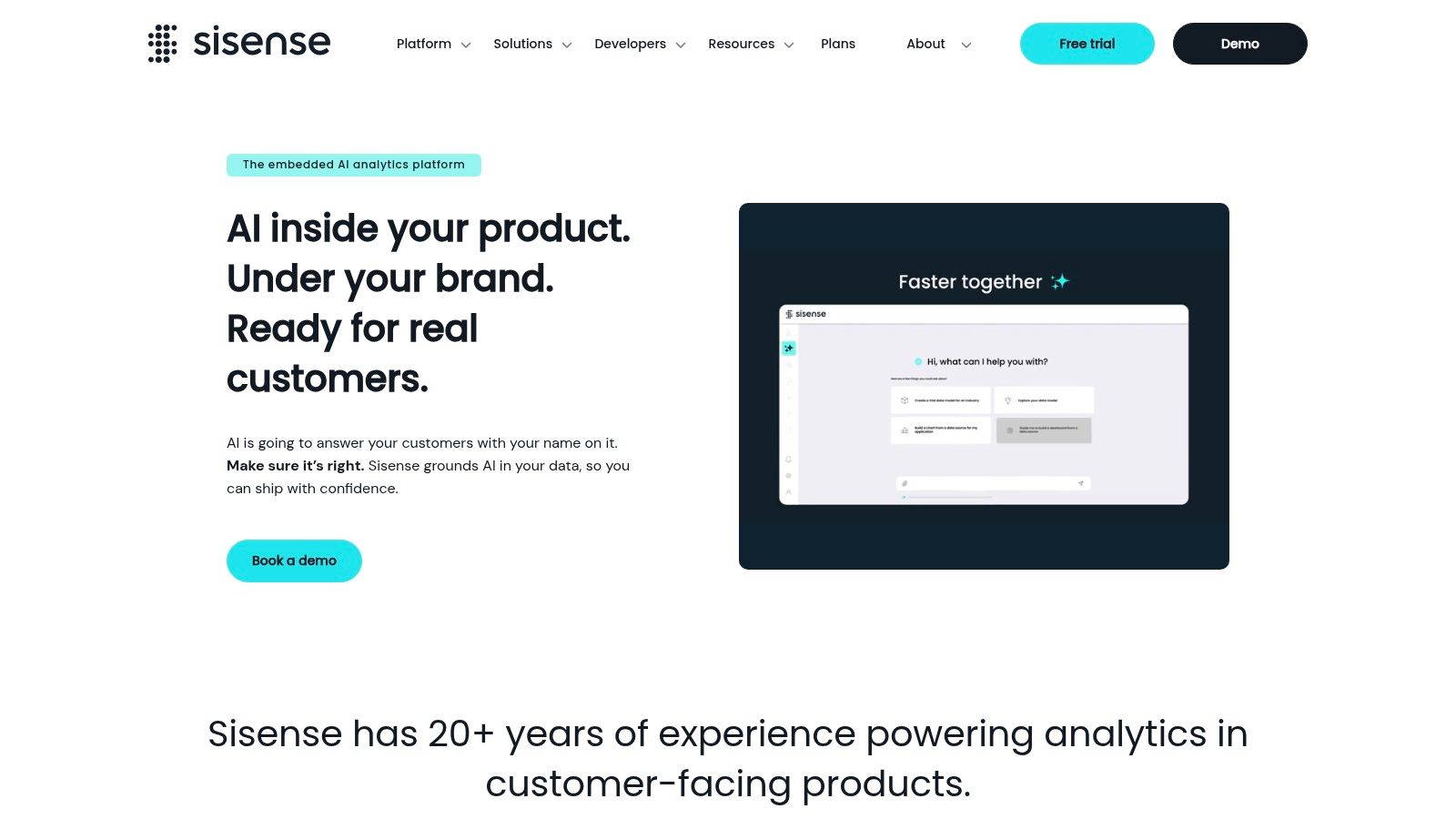
Connections cover warehouses, databases, and cloud applications, and deployment options include cloud and self-hosted configurations. Enterprise plans describe security and support options suited to shipping analytics as part of a commercial product.
Now the costs. Pricing isn't publicly listed and requires a vendor quote, so negotiate embedded-use terms, tenant limits, and viewer definitions before engineering commits. Embedded deployments also demand substantial engineering work. Authentication, row-level security, and white-label polish take sprints, not afternoons.
For simple internal dashboards, this is overkill. You'd pay enterprise money and burn engineering time to replicate what Metabase or Power BI does out of the box. Buy it when embedded analytics is a product feature your customers will pay for, not when the sales team needs a pipeline report.
Who it'll frustrate: small internal reporting teams, buyers who need a public price list, and product managers who underestimate the engineering commitment behind "just embed a dashboard."
10. IBM Cognos Analytics
IBM Cognos Analytics is the veteran on this list, built for enterprise reporting with structure. Beyond dashboards and visualizations, it handles report creation, scheduling, and distribution, which still matters in regulated industries where a signed-off monthly pack carries legal weight. An AI Assistant and mobile app round out the platform.
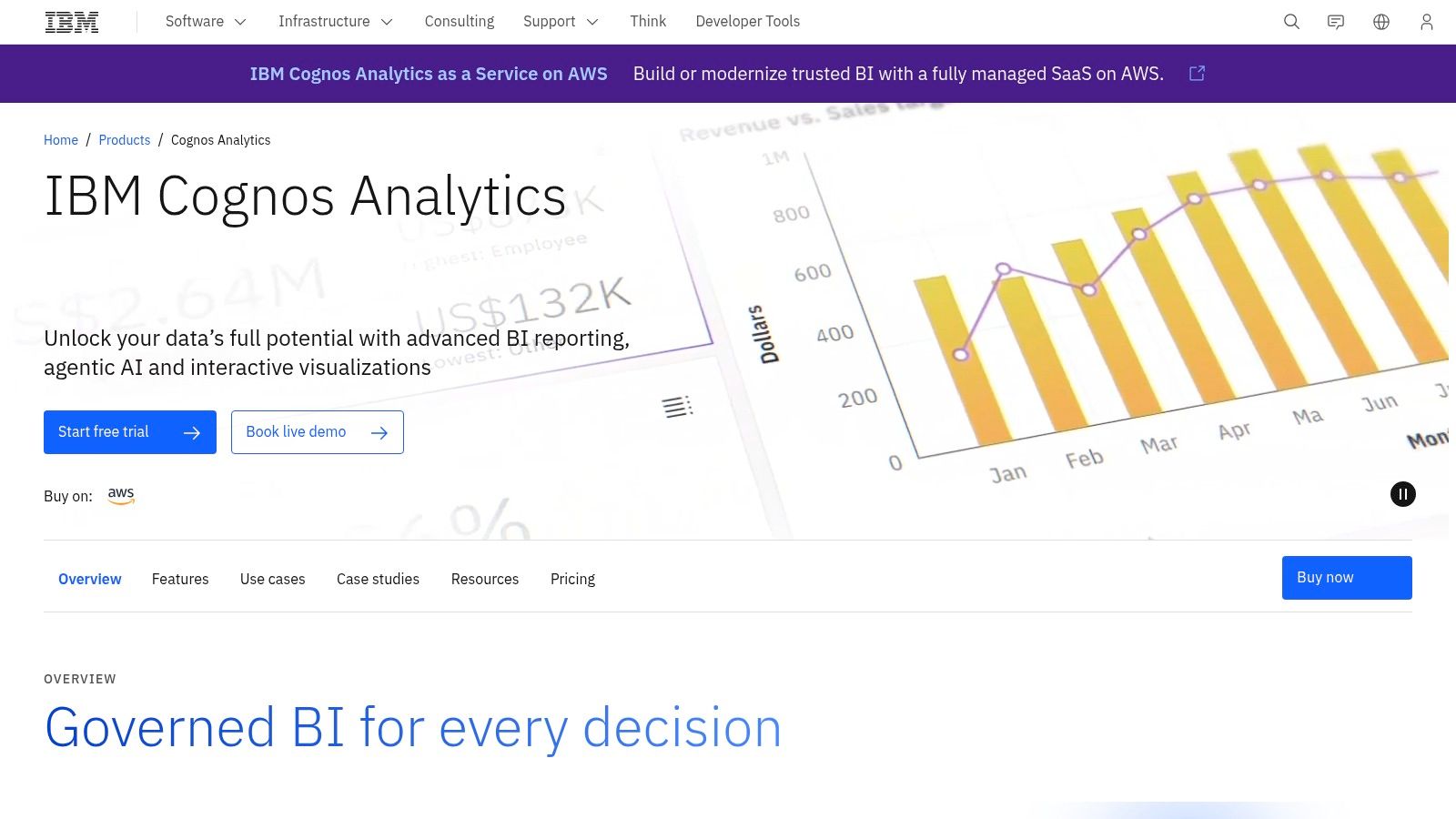
Deployment flexibility is its distinguishing strength. IBM offers cloud, on-premises, and containerized options, which suits organizations with existing IBM infrastructure or hard requirements for deployment control. IBM also publishes starting prices for cloud user tiers, giving procurement something concrete to work with.
Read the tier boundaries carefully. Premium reporting and administration features aren't all included in Standard, so confirm scheduling, bursting, and admin capabilities against your actual reporting obligations. Deployment and licensing models interact, and the wrong combination gets expensive.
This is a heavier platform than lightweight self-service tools. Implementation and administration expect a level of formality that small, fast-moving teams will experience as friction rather than rigor.
Who it'll frustrate: startups wanting dashboards by Friday, casual self-service users, and teams with no appetite for enterprise procurement. It's the wrong choice when nobody needs formal, scheduled, auditable reporting.
How the 10 tools compare on best-fit team, pricing model, and deployment
| Item | Best For | Pricing Model | Deployment |
|---|---|---|---|
| Scrappey (Recommended) | Collecting data from JavaScript-heavy websites for developer and AI workflows | Pay-as-you-go per successful request; free trial | Hosted web API |
| Microsoft Power BI | Microsoft-focused teams building interactive reports and dashboards | Free desktop authoring; paid licenses or capacity for sharing | Cloud service or on-premises |
| Tableau | Visual data exploration and polished interactive dashboards | Role-based licenses; annual contracts may apply | Tableau Cloud or self-managed Tableau Server |
| Looker (Google Cloud) | Governed analytics with centrally defined metrics | Custom enterprise pricing | Google Cloud-hosted |
| Qlik Cloud Analytics | Exploratory analytics across connected data | Tiered, capacity-based subscriptions | Cloud |
| Metabase | Internal reporting with visual queries or SQL | Free self-hosted option; paid tiers and managed cloud | Self-hosted or managed cloud |
| Apache Superset | Technical teams building and operating customizable BI | Open-source, no license fee | Self-managed or separately hosted |
| ThoughtSpot | Natural-language analytics for business users | Tiered plans; custom enterprise pricing | Cloud and embedded options |
| Sisense | Embedding branded analytics into applications | Custom vendor quote | Cloud or self-hosted |
| IBM Cognos Analytics | Enterprise reporting with deployment control | Paid cloud tiers and licensing options | Cloud, on-premises, or containers |
Building a Shortlist You Can Defend to Finance and IT
Run three tests before you sign anything. Each one kills bad purchases early, while changing your mind is still cheap.
First, confirm where the data lives and who models it. List every source, its owner, and its refresh cadence. Decide who writes and maintains the semantic model, whether that's DAX measures, LookML, or a governed warehouse layer. If nobody's named, your shortlist is fiction.
Second, price the tool at your real user count. Include viewers, occasional executives, embedded customers, and capacity charges for sharing. Then add training, administration, and the engineering time for self-hosted options. License price alone is the smallest honest number, and it's the one vendors quote loudest.
Third, assign a named owner for governance and upgrades. That person certifies data sources, retires stale dashboards, and answers when two reports disagree. Without an owner, every tool on this list drifts into the same spreadsheet argument you started with, only now it has a login screen.
Keep the upstream boundary clear in your architecture document. A collection layer handles public web data, such as prices, listings, and public filings, and delivers validated records with timestamps and source URLs. The BI tools above take over from the warehouse, handling modeling, permissions, and reporting. Blurring those layers produces dashboards nobody can audit.
Operational data quality matters downstream too. If your margins depend on accurate project costing, purpose-built tools like job costing software for reliable margins feed cleaner numbers into BI than a general ledger export ever will. Garbage modeled beautifully is still garbage.
Questions to Ask Each Vendor
- Custom pricing: What's the full quote at our year-two user count, including viewers and renewals?
- Embedded terms: How do you define and charge for embedded users, tenants, and white-labeling?
- Governance: How do row-level security, certified sources, and audit logging work in the tier quoted?
- Exit costs: Can we export models, metrics, and dashboards if we leave, and in what format?
Pick two finalists, pilot both on your messiest real dataset, and let weekly active viewers decide. The best tools for business intelligence are the ones your team keeps trusting after the honeymoon, because someone owns the data, the bill, and the definitions.
If part of your reporting depends on public web data like competitor prices, listings, or search results, collect it cleanly before it ever reaches a dashboard. Scrappey gives your team a pay-as-you-go API with real-browser rendering, included residential proxies, and structured JSON output, with a free trial that needs no credit card. Start a trial, pull your first dataset into your warehouse, and let your BI tool do the job it was bought for.