Ten repositories capture 45.7% of all GitHub stars across a catalog of 2,874 Model Context Protocol implementations, and the top 10% hold 88.3% of total stars, according to an O'Reilly ecosystem analysis. That star concentration makes most rankings of the best MCP servers look nearly identical, even though a star count tells you almost nothing about whether a server will hold up in your agent's actual workflow.
Since Anthropic introduced MCP on November 25, 2024 as an open standard for connecting AI apps to external tools and data, with early adoption from Block, Apollo, Zed, Replit, Codeium, and Sourcegraph as detailed in the Anthropic announcement, the protocol has behaved less like an app store and more like a set of capability plugs. You don't install a server because it trends on GitHub. You wire it in because your agent hits a specific wall, whether that means fetching a JavaScript-heavy page, clicking through a form, pulling current library docs, reading repository state, or connecting specialized MCP tools for service desks.
The ten picks below are organized around the concrete developer jobs they support: web access and ingestion, interactive browser control, research and documentation, and repository, workspace, or production context. Each entry focuses on what breaks and what costs scale after the initial demo works.
1. Scrappey
Most web-enabled agents stall the moment they move past plain static HTML. Once a target page relies on client-side rendering, session cookies, or bot verification checks, raw HTTP fetches return empty shells or block pages.
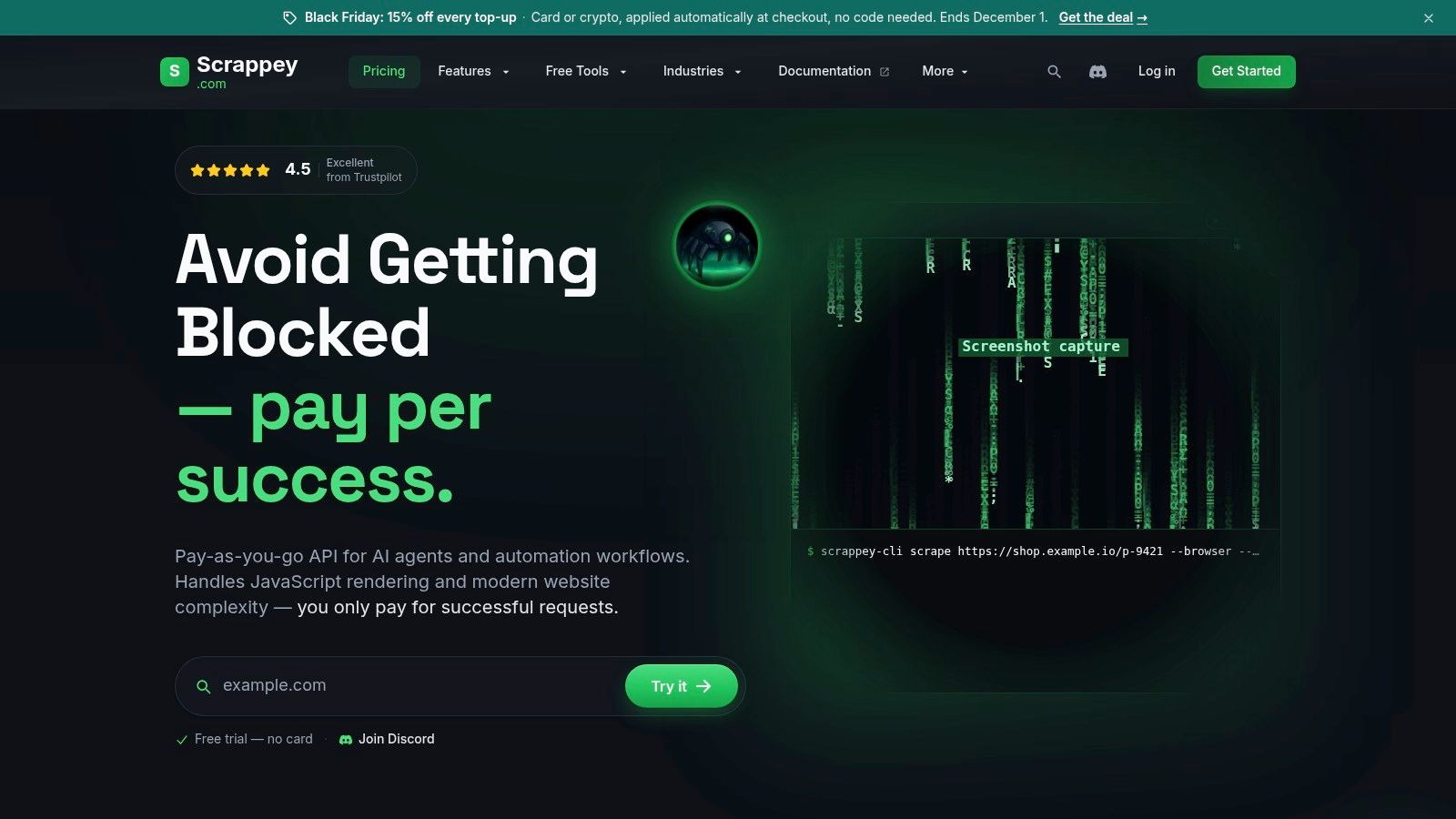
Raw protocol latency is rarely the bottleneck here. An independent TM Dev Lab benchmark recorded Java and Go MCP servers averaging 0.835 ms and 0.855 ms in latency at over 1,600 requests per second with a 0% error rate, yet real-world web tasks spend almost all their time waiting on browser rendering, network hops, and challenge handling. Through our web data access API, our native MCP server, CLI, and Claude or Codex skills offload that entire layer so your agent posts a URL and receives clean HTML, structured JSON, screenshots, or LLM-ready Markdown without maintaining a local browser fleet or proxy list.
Where Pricing and Failure Modes Show Up
We run real Chrome and Firefox engines paired with sticky residential proxies from 120+ countries, managed browser profiles, and 30+ programmable actions for clicking, scrolling, and custom JavaScript. Teams using AI Extraction (autoparse) can describe target fields and get matching JSON back without brittle CSS selectors.
- Predictable Per-Success Cost Shape: Direct HTTP requests for static pages and API endpoints run at €0.20 per 1,000, while full-browser rendering with challenge handling runs at €1.00 per 1,000. You pay only for successful requests, with no monthly minimum, no per-seat licensing, and no credit multipliers.
- Scaling Without Manual Rewrites: Entry access handles 200 concurrent requests and auto-scales to 1,000, backed by a 99.9% uptime guarantee and Discord-first engineering support.
- Budgeting the Render Ratio: Full-browser requests cost five times more than direct HTTP, so letting an agent default to full browser rendering on simple JSON endpoints inflates spend unnecessarily.
- Compliance Scope: The platform is built for publicly available web data, so your team still owns compliance with applicable laws and website terms.
2. Firecrawl MCP
Say your agent needs to ingest an entire vendor documentation portal or map out every product page on a public site before answering architectural questions. Single-URL fetchers force the agent into clumsy loops where it has to parse links manually and queue each page one by one.
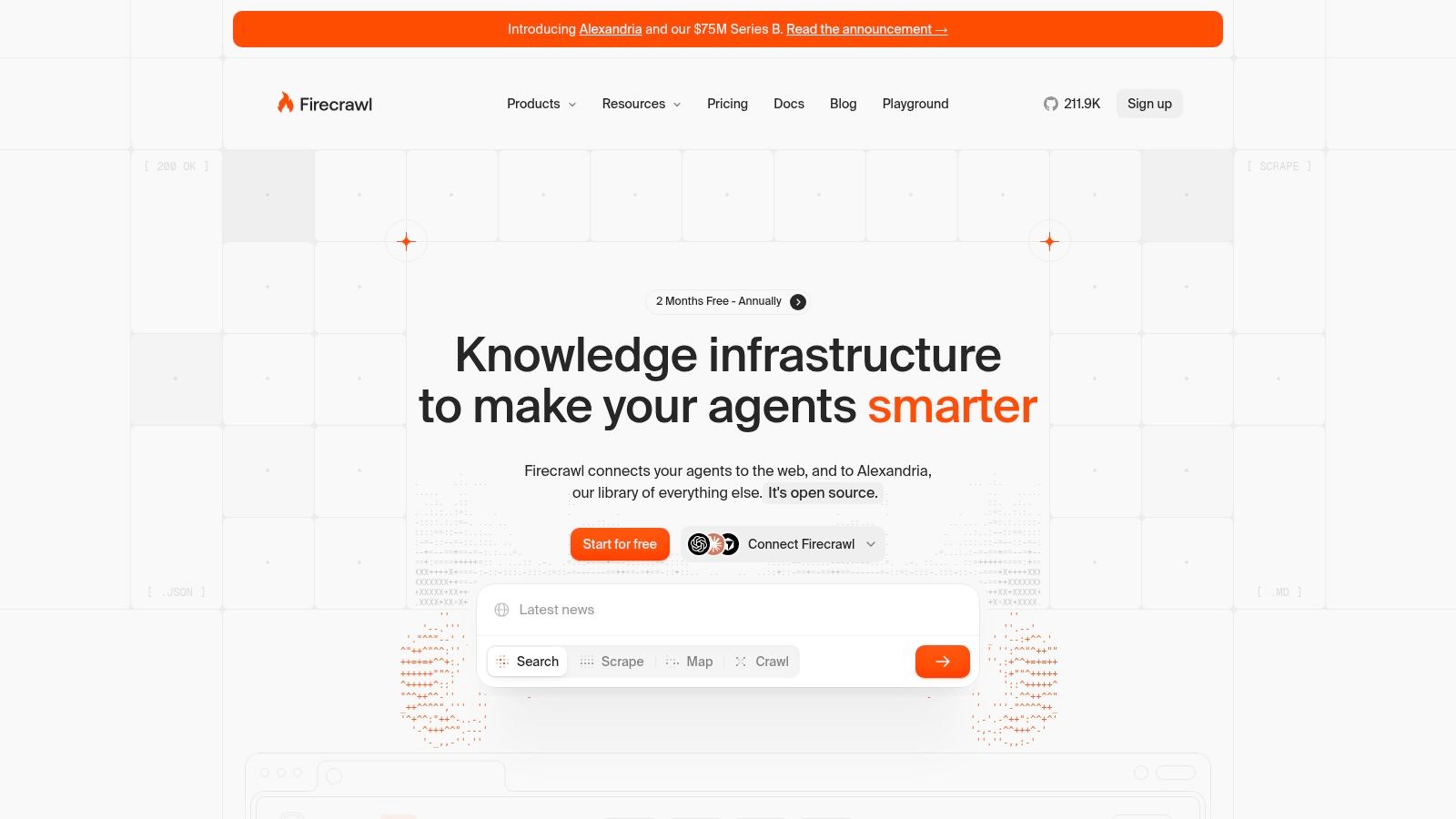
Firecrawl bundles single-page scraping, full-site crawling, URL mapping, web search, and structured extraction into one MCP server. You can connect to its hosted service or run the server yourself, and its outputs arrive formatted cleanly for language model context windows. For content ingestion and multi-page research pipelines, consolidating discovery and extraction cuts down the glue code you'd normally write between tools.
Cost watch: Multi-page crawling drains API credits much faster than one-off page fetches. Always cap crawl depth and page limits in your agent prompt before pointing a crawler at a large domain.
Multi-Page Limits and Trade-Offs
Firecrawl fits cleanly when your workflow starts with "read this section of a site and summarize the architecture." It breaks down when you need persistent, stateful browser control for arbitrary multi-step interactions like logging into a staging dashboard or testing interactive widgets.
Because throughput and budgets depend on Firecrawl's API and usage limits, heavy extraction pipelines require watching credit consumption closely. If you're weighing whether an ingestion-focused API or a broader scraping layer fits your stack better, reviewing how teams evaluate web scraping software options helps clarify where dedicated rendering beats crawler bundles.
3. Playwright MCP
Fetching HTML solves reading, not doing. Whenever an agent needs to test a checkout flow, fill out multi-step forms, inspect rendered DOM state, or reproduce a visual UI bug, a static scraper can't help.
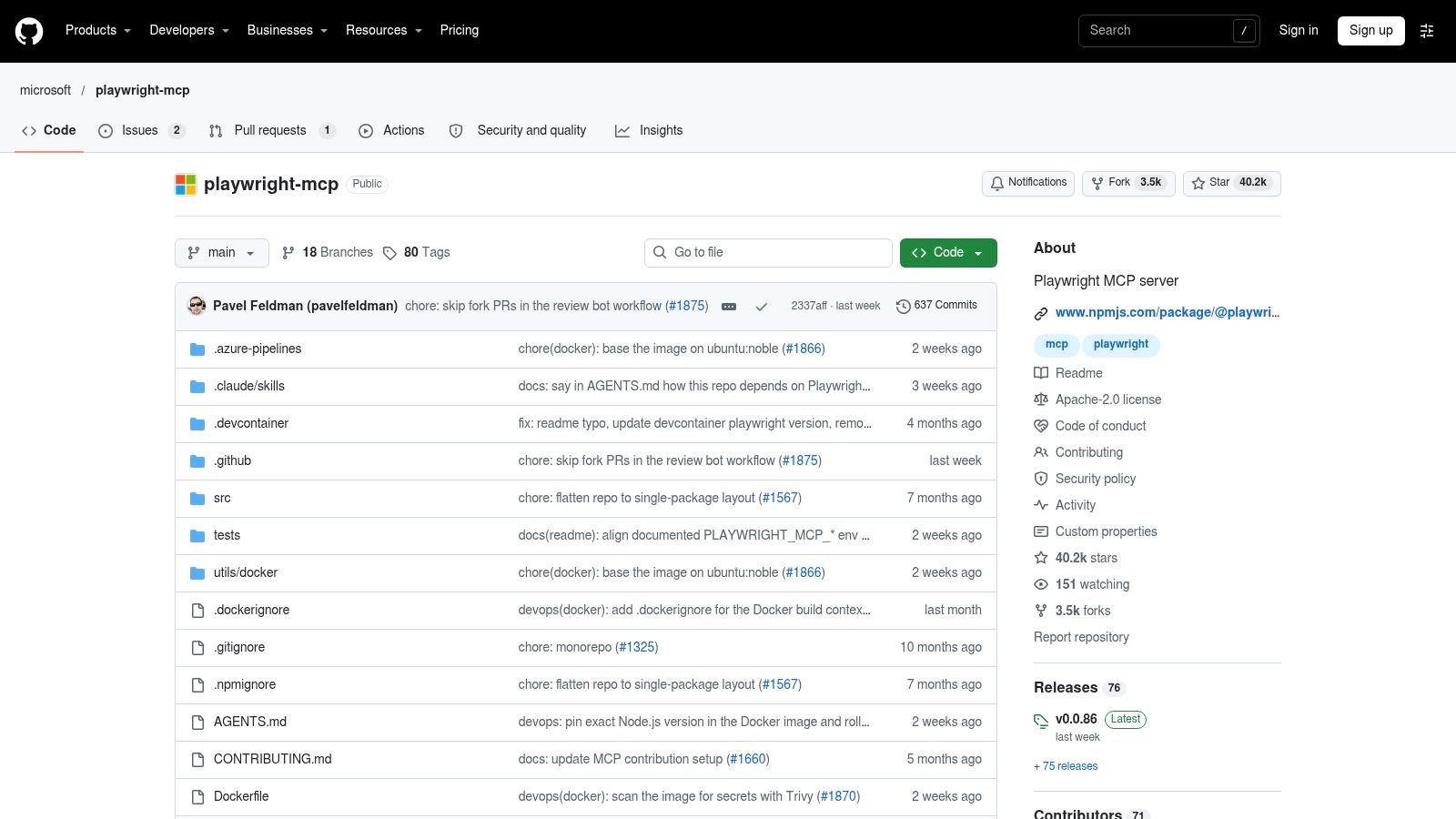
Microsoft's Playwright MCP server exposes browser automation directly to AI agents through structured Playwright controls. Because it runs on a battle-tested testing framework, it works well for QA automation, staging verification, and repeatable UI routines.
- Interactive Page Control: Agents can move through routes, click dynamic elements, type into inputs, and inspect the page as a real browser renders it.
- Local and Container Deployment: You can run the server on your own machine or package it inside a container for CI and isolated testing environments.
- No Managed Proxy Layer: Playwright MCP doesn't include residential proxies or managed scraping infrastructure, so running it against protected public sites quickly triggers blocks.
- Selector and Layout Fragility: Browser automation runs slower and breaks more easily than direct API calls whenever frontend teams rename attributes or shift UI flows.
Runtime Overhead After the Demo
Running a single local Playwright session during a coding demo feels effortless. Scaling that same setup across concurrent agent tasks eats RAM and CPU fast, and unhandled timeouts or hung tabs will stall an entire session unless you enforce strict lifecycle cleanup.
Before wiring an agent into complex multi-step clicking loops, it pays to design guardrails for LLM browser automation workflows so retries don't loop indefinitely or submit duplicate forms.
4. Exa MCP
Research agents burn context and budget fast when they guess URLs or scrape ten irrelevant pages just to find one current specification. They need a discovery step first, returning tight passages from live pages before handing chosen URLs off to a heavier extraction tool.
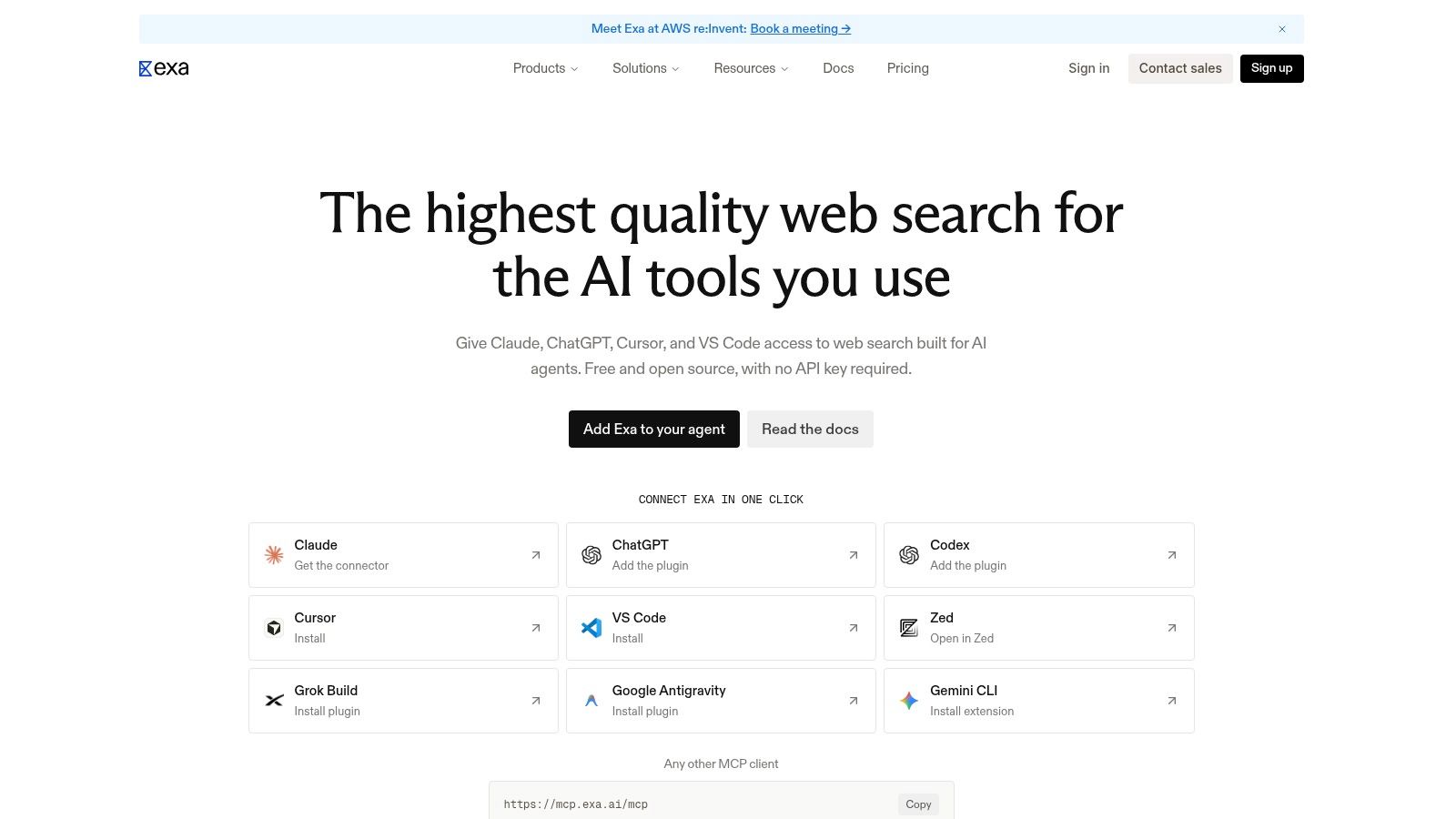
Exa's hosted MCP endpoint gives compatible AI clients agent-oriented web search with very little setup friction. Instead of managing local processes or scraping search engine results pages yourself, your agent queries the endpoint and receives relevant URLs and passages directly. Exa offers limited free usage to test the workflow, with account or API-key authentication providing account-based limits and extra features.
Pairing Search With Deeper Extraction
Exa works best as the front door of a two-stage research pipeline rather than a standalone data collector. Keep these boundaries in mind when wiring it into production sessions:
- Passages Are Not Full Crawls: Search snippets help an agent pick the right source, yet they won't replace full-page rendering or structured site extraction when you need complete tables, dynamic pricing, or full technical docs.
- Rate Limits on Free Access: Unauthenticated or free-tier sessions hit ceilings quickly during iterative research loops, so plan to configure an API key early.
- Service-Dependent Availability: Because it's a hosted endpoint, rate limits and available search features shift with Exa's current plan terms.
5. Context7 MCP
Ask a coding assistant to wire up a fast-moving frontend framework or SDK released after its training cutoff, and it'll confidently invent deprecated parameters or nonexistent helper functions. Running broad web searches inside the IDE pulls back blog posts from older major versions, making the confusion worse.
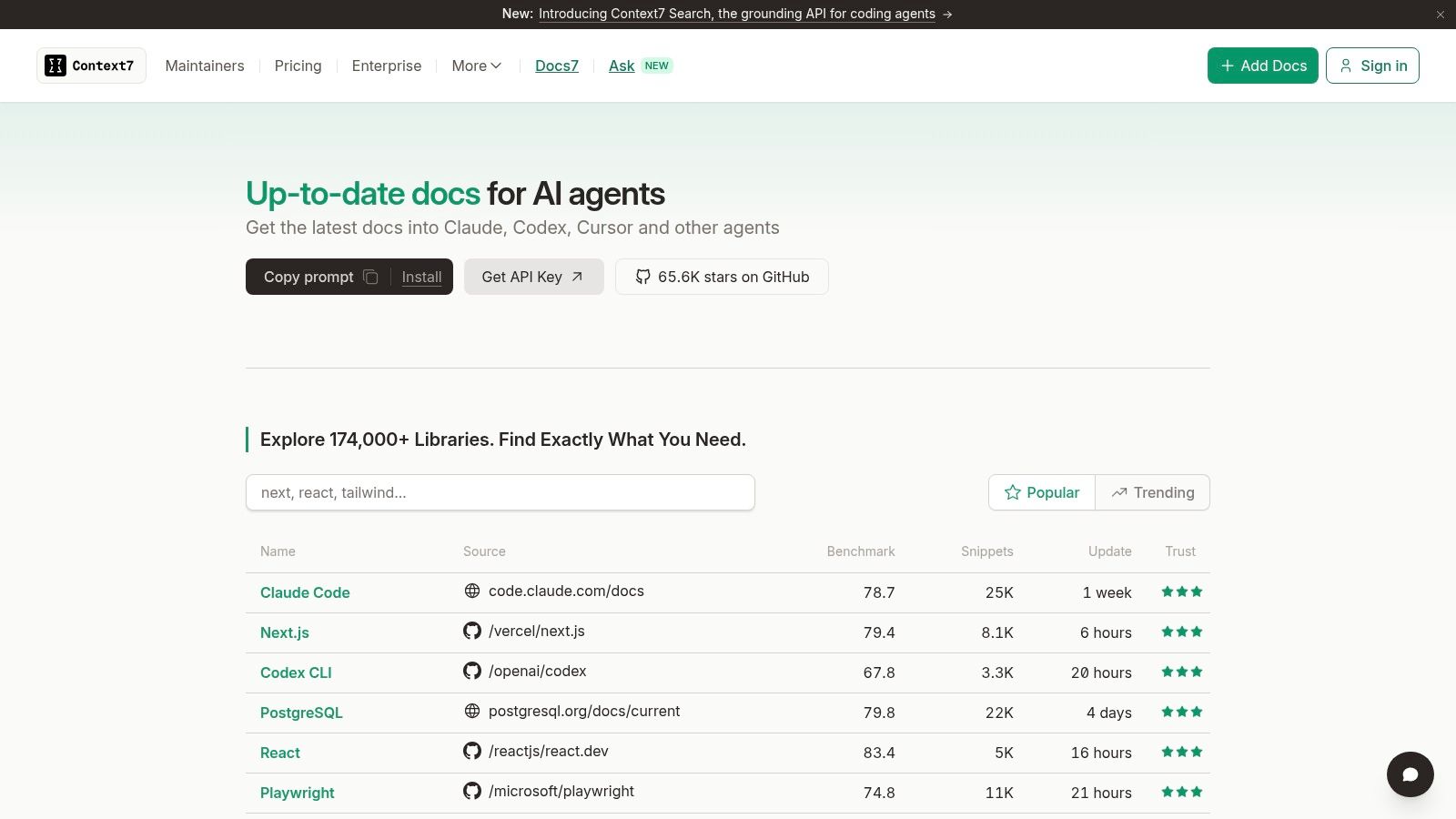
Context7 solves that exact coding-agent failure mode. Its MCP server resolves library names to documentation sources and pulls targeted docs and code examples for the specific topic your agent is implementing. Setup guides cover major MCP clients, and you can connect through hosted or local options depending on your team's security posture, with API-key configuration available when needed.
Pulling targeted library docs beats broad web search inside a coding session because it keeps outdated tutorials out of the model's context window.
Coverage Gaps to Plan Around
Context7 is strictly a documentation retriever, not a browser or general scraper. If your project relies on an internal company package or a niche open-source library with thin docs, coverage and example quality will vary noticeably from mainstream frameworks.
Treat it as a high-impact accuracy layer for popular dependencies, and verify whether your chosen connection mode requires an API key before rolling the config out to a whole engineering team. When a library isn't indexed cleanly, your agent will still need a fallback path to read raw documentation pages directly.
6. GitHub MCP Server
Security and access control top the list of MCP builder headaches. A Zuplo survey of technical professionals found that 50% of respondents named security and access control their leading challenge, 38% said security concerns actively block wider adoption, and roughly one-quarter of MCP servers operated with no authentication at all. Nowhere does that risk get real faster than connecting an AI agent to your source code repositories.
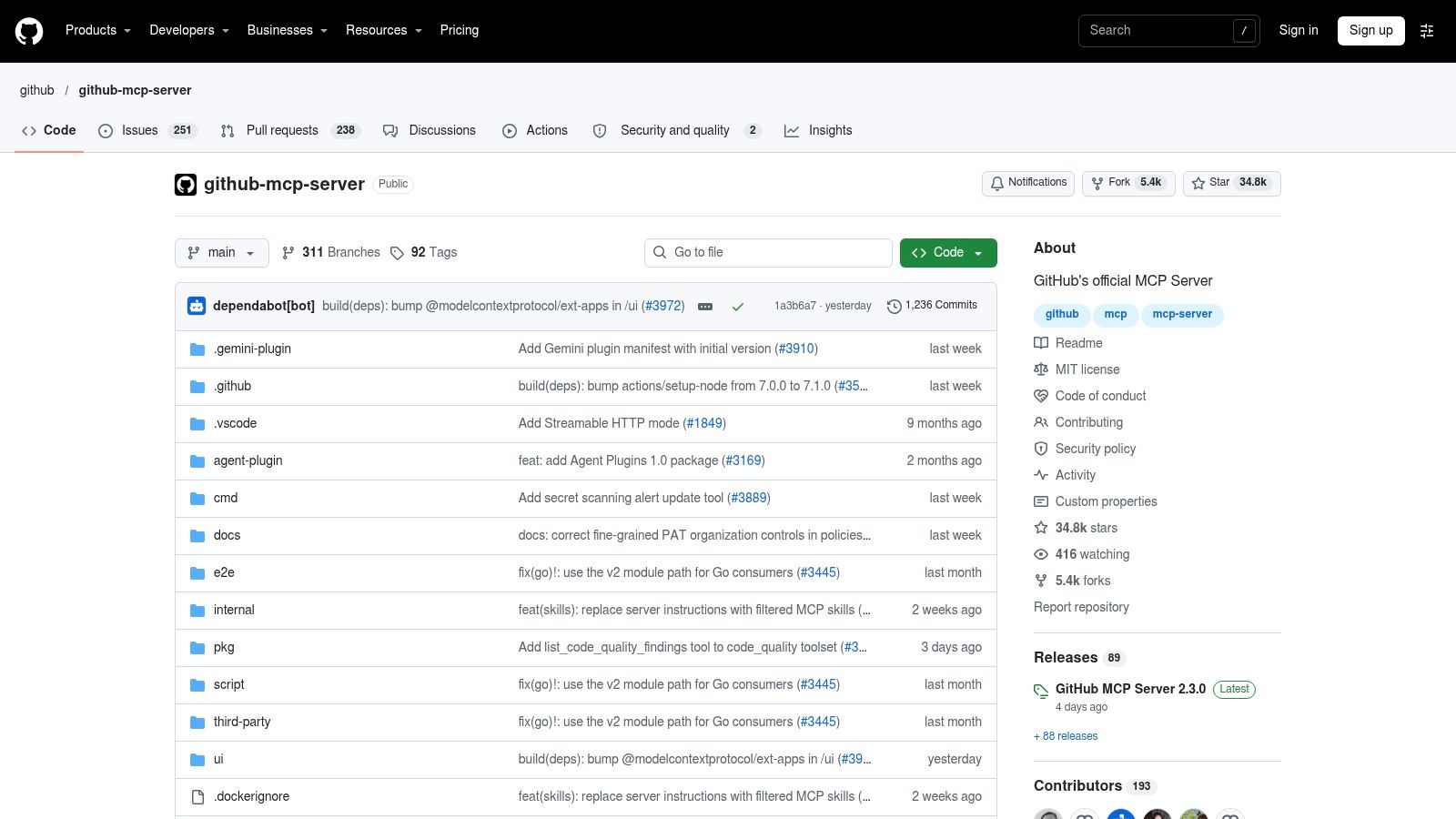
GitHub's official MCP server gives AI clients first-party access to repository and project context, complete with a hosted remote-server option so developers don't have to maintain another local runtime. Grounding an agent directly in issues, pull requests, and repo metadata cuts out endless copy-pasting during code reviews and triage.
Scoping Repository Permissions Safely
Authorization ties directly to GitHub account permissions, which means an overly generous token hands an autonomous loop write access to production branches. Configure it like a junior contractor, not an organization owner:
- Audit Token Scope Before Connecting: Restrict tokens to read-only access or specific sandbox repositories until you've verified how your client handles tool confirmations.
- Keep Local Toolchains Separate: GitHub MCP handles repository and project workflows, yet it doesn't replace running local builds, linters, or test suites before merging code.
- Expect Schema Updates: First-party remote servers evolve rapidly, so pin setup notes and recheck available tools after client upgrades.
7. Notion MCP
Teams love the idea of turning their Notion workspace into live memory for an AI assistant. In practice, connecting an agent to shared company docs exposes two immediate realities: messy wikis produce messy answers, and write access turns a bad prompt into silent data corruption.
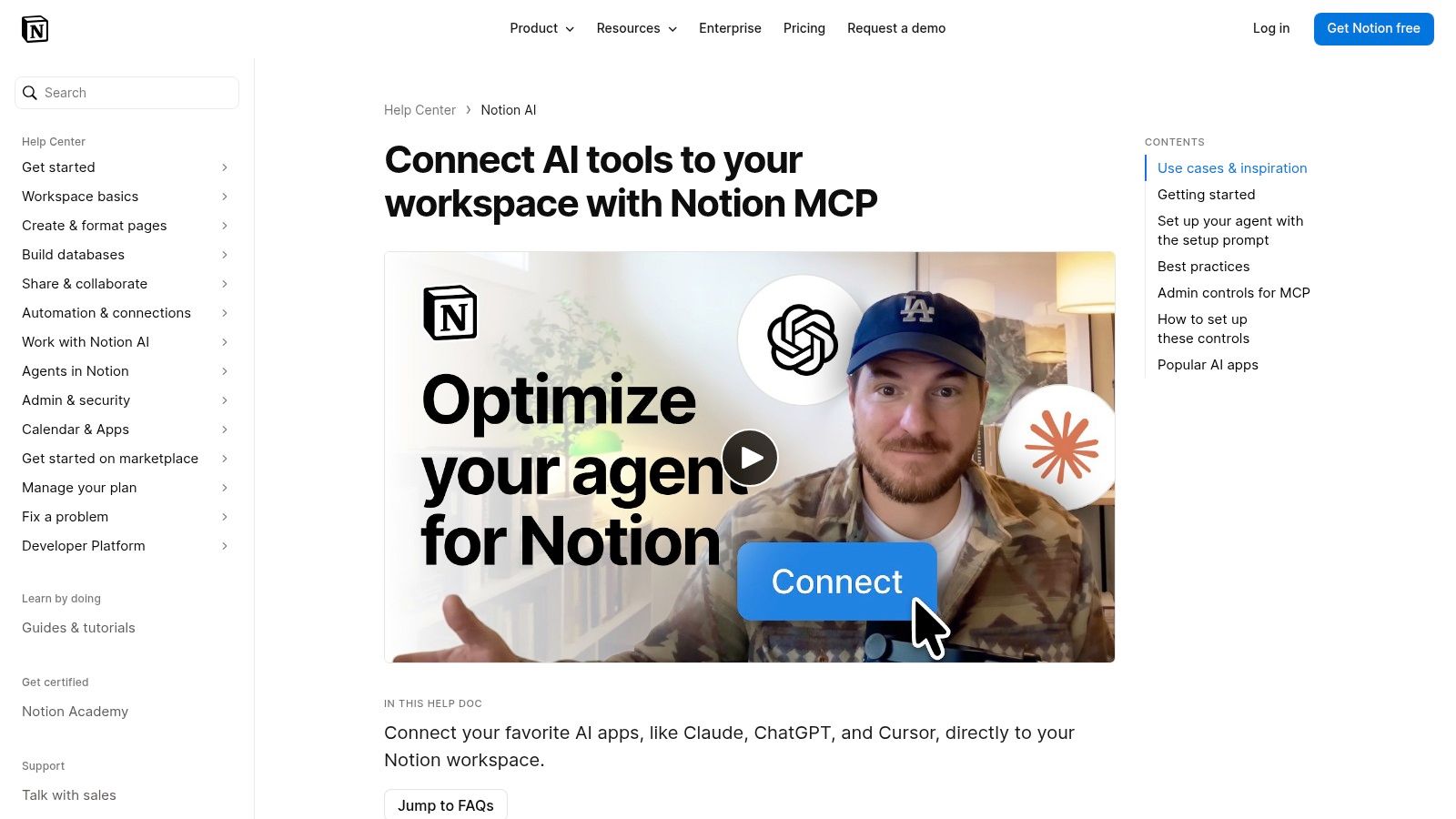
Notion's first-party MCP integration connects supported AI apps directly to a workspace so agents can read existing research, consult project notes, and update pages without manual exports. That operational power brings governance obligations. Enterprise interviews documented in an arXiv study on MCP ecosystem risks showed that 80% of interviewed internet practitioners flagged permission overstepping and prompt injection as core risks, while financial-services teams ranked regulatory compliance, access control, and auditability at the top.
Controlling Workspace Write Access
Because a malicious or untrusted note pasted into a shared Notion page can trigger prompt injection when an agent reads it, unrestricted write permissions are dangerous. Notion addresses organizational oversight by providing enterprise administrator controls over which AI clients are allowed to connect.
Before enabling write workflows, clean up duplicate specs and scope the agent's access to dedicated project spaces rather than the entire company wiki. If your workspace lacks clear page hierarchy or up-to-date owners, the agent will dutifully surface stale architecture docs as current truth.
8. Slack MCP
Many of an engineering team's real decisions never make it into a formal spec. They live inside a forty-message thread from three months ago where someone changed an API contract or signed off on a workaround. An agent that can search that history answers questions no wiki page will.
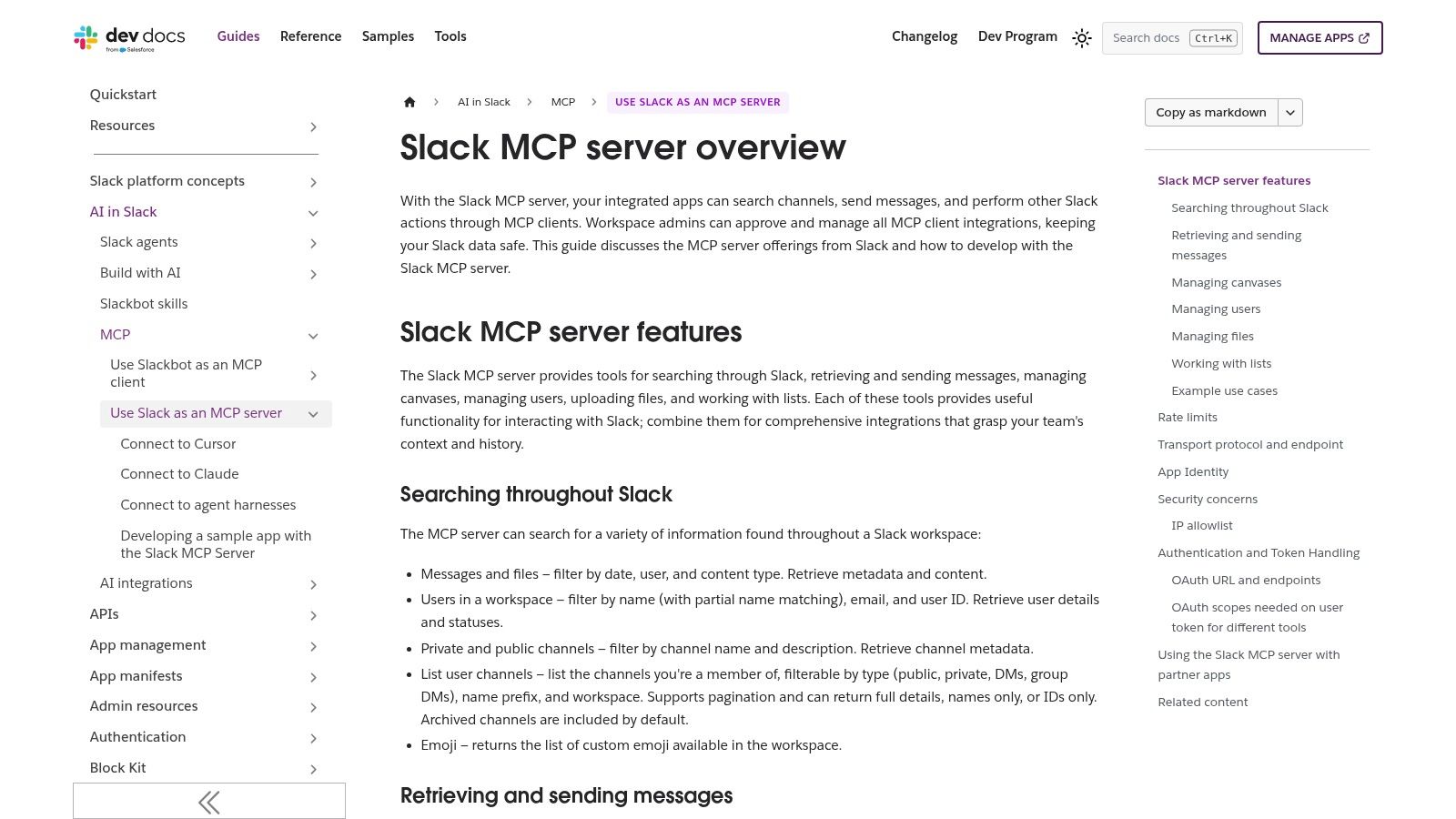
Slack's official MCP server connects compatible AI clients to workspace conversations and supported actions using a standard OAuth authorization flow. For teams that coordinate deployments, incident handoffs, and product specs in channels, it lets an assistant search conversational history and act on a user's behalf inside the workspace.
- OAuth-Backed Access: Setup relies on recognizable OAuth authorization governed by existing workspace approvals and user permissions.
- Fast Context Retrieval: Agents can pull decisions, links, and troubleshooting steps out of active channels without manual scrolling.
- Approval Gates: Enterprise and regulated workspaces typically require admin sign-off before developers can connect external MCP clients, so plan for lead time before your first session.
- Client Variance: Supported actions and search behavior can differ depending on both the MCP client and your specific Slack workspace configuration.
The cost shape here is context volume. Pulling a long thread into a session eats tokens fast, and most of those messages are noise you never needed.
Where Thread Context Trips Agents Up
Chat transcripts are noisy by nature. Engineers brainstorm rejected ideas, crack jokes, and reverse decisions two messages later, and language models frequently mistake an early suggestion for the final sign-off. That failure mode is worse than a wrong answer, because the output reads like a confident summary of a decision that was never made.
Require your agent to cite timestamps and thread participants whenever it summarizes a Slack decision, and keep automated posting disabled until you've tested how it handles ambiguous channel context. Write access in a shared workspace turns a misread thread into a message your whole team sees.
9. Filesystem MCP
Local file access is the highest-value capability you can hand a coding or data agent, and the easiest way to accidentally wreck a directory tree if you rush the config.
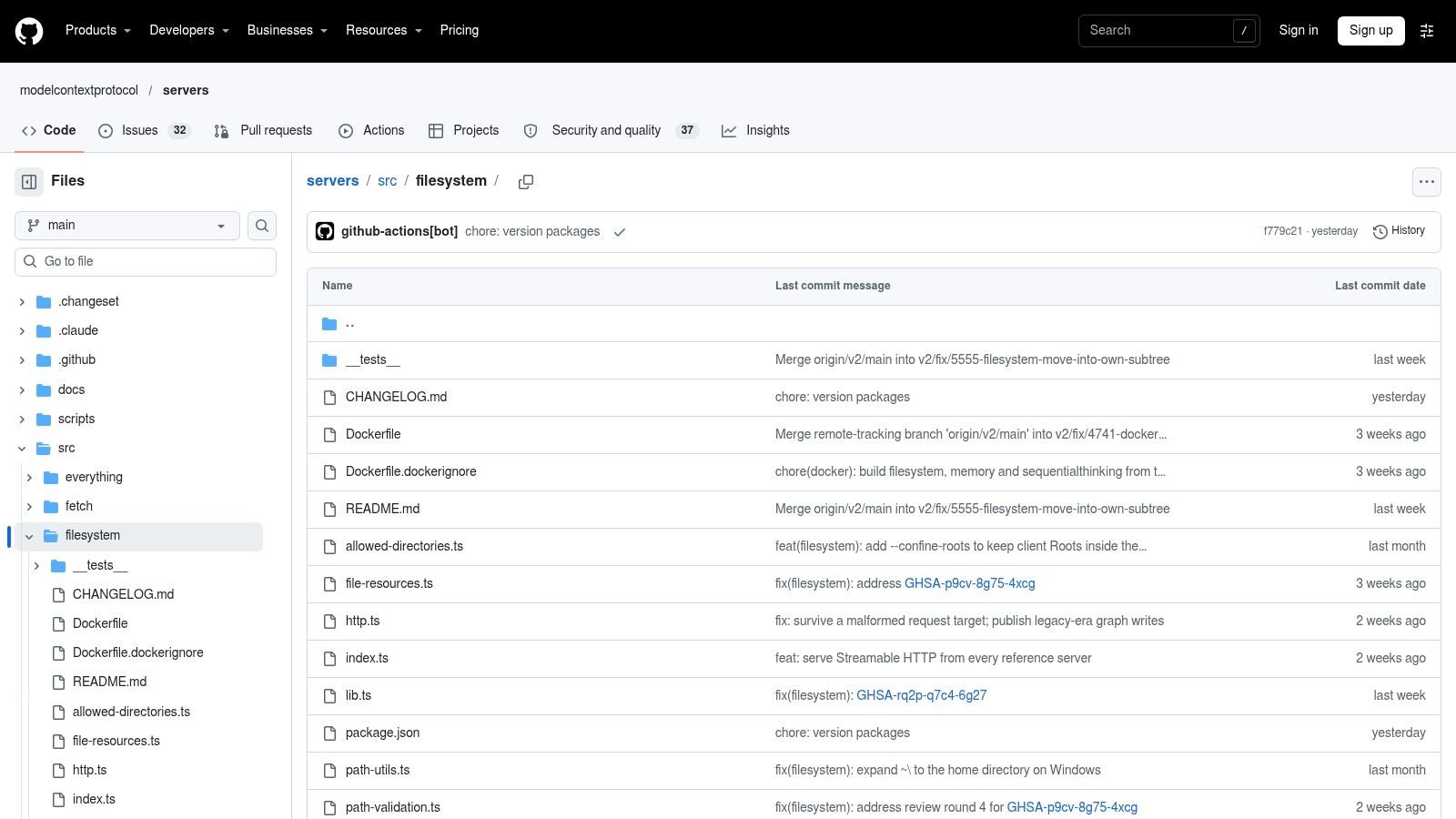
The official Filesystem MCP server gives MCP clients direct tools to read, write, create, list, move, delete, and search local files and inspect metadata. It fits cleanly into local development, document processing, and dataset cleanup workflows without uploading proprietary files to a third-party SaaS endpoint.
Sandboxing rule: Pass only the exact project subfolder to the startup allowed-directory list, never your home directory or a root workspace holding
.envfiles and SSH keys.
Runtime Setup and Boundary Risks
Because this server runs locally on your machine, you're responsible for its runtime and permissions. Verify the project's current Node.js requirement before installing, as older local Node versions cause cryptic startup failures in desktop MCP clients.
The failure mode isn't speed or cost, it's blast radius. Misconfigured directory paths expose credentials or let a confused refactoring loop overwrite untracked files. Pair Filesystem MCP with clean Git checkpoints so any unintended multi-file edit takes one command to revert.
10. Sentry MCP
When a production deployment starts throwing errors or an automated ingestion pipeline suddenly trips a wave of HTTP 403 forbidden responses, jumping between stack traces, release logs, and local source code slows triage to a crawl.
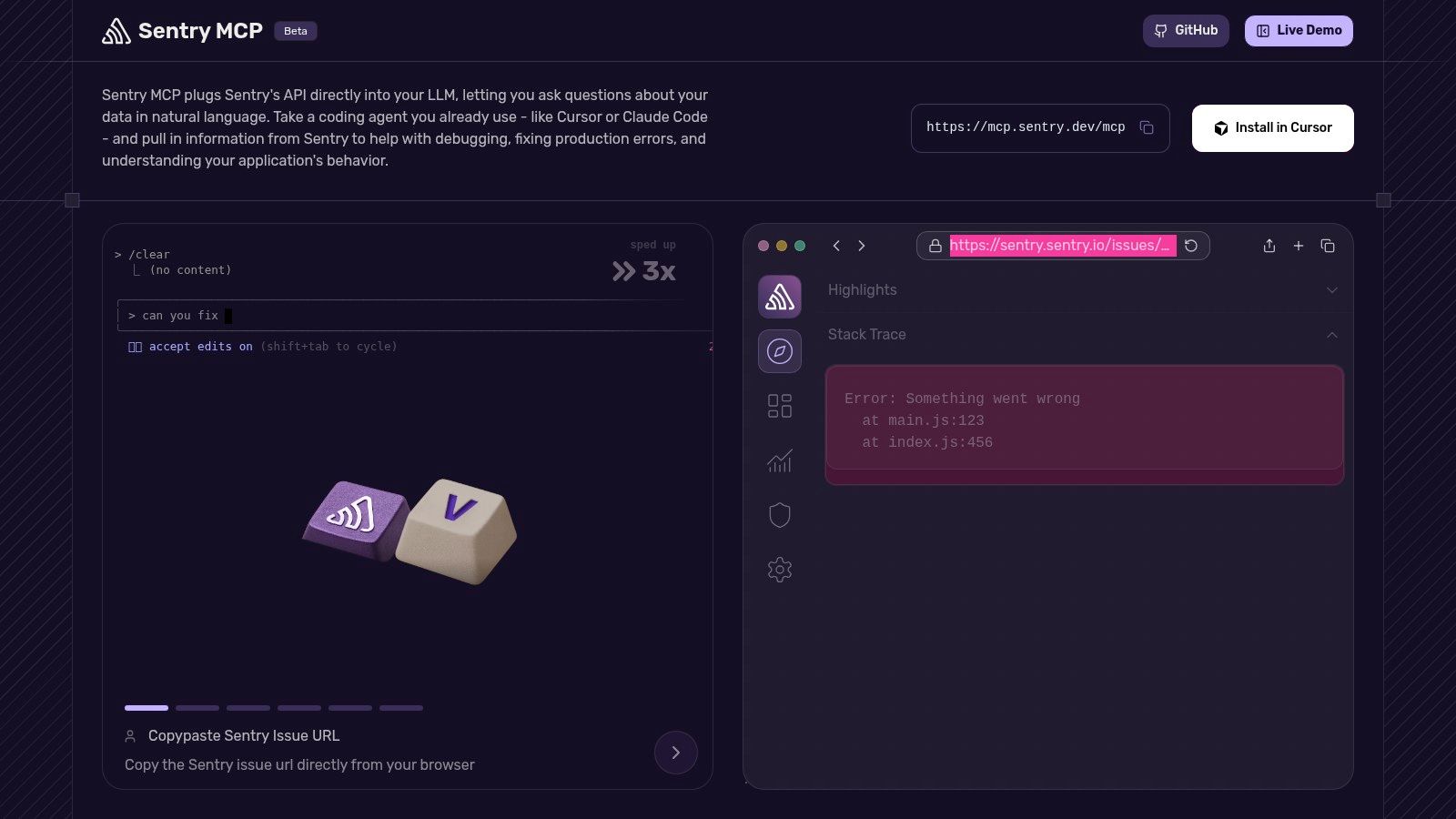
Sentry's MCP server brings production observability directly into your AI assistant. Using OAuth authentication, with first-party docs covering both hosted and CLI-based connections, it lets an agent search and analyze errors, inspect performance regressions, triage incoming issues, and look up Sentry documentation inside the same window where you're editing code.
Project Scoping for Observability
Sentry MCP is purpose-built for debugging and incident response, not general productivity. Treating it like a focused diagnostic instrument keeps sessions clean and secure:
- Scope by Organization or Project: Lock the OAuth connection to the exact organization or project under investigation so an agent can't pull unrelated production telemetry.
- Minimize Sensitive Data Exposure: Error payloads sometimes contain request headers or user identifiers, making tight project scoping essential before sharing access across developer seats.
- Pair With Code Context: Sentry MCP shines brightest when combined with local file access or repository context, letting an assistant correlate a live stack trace with the exact commit that introduced it.
- Account Dependency: Utility naturally requires an active Sentry account with instrumented projects sending clean error and performance data.
MCP servers compared by workflow fit
The right server depends on which step of your agent's workflow keeps failing. A research loop needs fresh sources, a browser loop needs reliable page control, a coding loop needs repository or documentation context, and an ingestion pipeline needs clean output at volume. The table sorts all ten servers by those jobs.
| Server | Primary job | Hosted or local | Best for |
|---|---|---|---|
| Scrappey | Web data access and scraping | Hosted API | JavaScript-heavy scraping with managed proxies and flexible outputs |
| Firecrawl MCP | Scraping, crawling, search, and extraction | Hosted or self-hosted | Multi-page research and content ingestion |
| Playwright MCP | Browser automation and testing | Local | Interactive pages, QA, and form workflows |
| Exa MCP | Web search for AI clients | Hosted | Research agents finding current sources |
| Context7 MCP | Library documentation and code examples | Hosted or local | Coding assistants needing targeted documentation |
| GitHub MCP Server | Access to GitHub repository and project context | Hosted remote or local setup | Repository-centered developer workflows |
| Notion MCP | Access to Notion workspace pages | Hosted | Teams using Notion for notes and documentation |
| Slack MCP | Search and actions in Slack workspaces | Hosted | Finding conversation context and decisions |
| Filesystem MCP | Local file and directory operations | Local | Working with project files and documents |
| Sentry MCP | Error and performance investigation | Hosted or CLI-based connection | Debugging and incident response |
Cost shape differs more than the feature lists suggest. Local servers like Playwright and Filesystem carry no per-call fee; the main cost is the machine, the setup time, and the maintenance you absorb yourself. Hosted servers shift that cost into API spend. Scrappey is the clearest example, billing per successful request at €0.20 per 1K for direct HTTP and €1.00 per 1K for full-browser rendering, with proxies included and no monthly contract. Exa offers limited free use before account-based limits apply, and Firecrawl meters usage through limits and credits, so high-volume ingestion jobs need volume planning before you scale.
Each category also breaks in a predictable place after the demo. Search servers return links, not answers, so a research agent still needs a separate extraction step before anything reaches the model. Browser automation degrades on protected, JavaScript-heavy pages unless the server handles challenges and rotates residential proxies for you. Scrappey's AI extraction addresses a related pain point: you describe the fields you want and receive JSON in exactly that structure, which removes selector maintenance from ingestion pipelines. Workspace servers like Notion and Slack depend entirely on how well the underlying data is organized, because a messy workspace yields messy retrieval no matter how good the server is. Judge each entry by the bottleneck it removes in your pipeline, and the table narrows down to two or three real candidates fast.
Start With the Job, Not the Server
Choose the best MCP servers by the task your agent cannot finish. Research, browser actions, repository context, and ingestion need different tools. Start with the failing step.
The catalog offers more candidates than a team can reasonably audit. In June 2025, Glama listed 5,867 MCP servers according to MCP Evals statistics. By September 2025, Nordic APIs reported that one registry listed 16,670 servers. A study on arXiv using MCPCrawler analyzed 8,060 servers and 341 clients across 8,401 validated projects over a 14-day window.
Treat your stack as a small portfolio. Extra servers mean more tool definitions in context, more authentication boundaries, and more opportunities for unintended writes or API spend. A successful demo is only the starting point.
How to Roll Out Your First Stack
- Match the Next Failing Task: Identify whether the agent stalls on blocked web fetches, stale library syntax, buried Slack context, or error triage. Add the server that addresses that step, then rerun the complete workflow.
- Start With One or Two Plugs: Pair Exa with web extraction for research, or Context7 with Filesystem for local coding. Keep the stack small until the agent reliably chooses the right tool.
- Verify Permissions Before Scaling: Begin with read-only tokens, single-project scopes, and restricted local folders. Broaden access only when the workflow requires changes to repositories, pages, or files.
- Test Real Cost Shape Early: Run a representative batch. Check how full-browser renders, multi-page crawls, and search rate limits affect completion and spend beyond a small demo.
Recheck official documentation when expanding a workflow or upgrading your client, especially tool coverage, authentication, and plan terms.
For live web access, use Scrappey's free, no-card trial to compare direct HTTP and full-browser extraction on real public pages. Its native MCP server combines browser rendering, residential proxies, and structured AI extraction without requiring you to manage browser infrastructure. Requests are billed per success, with no monthly minimum, per-seat licensing, or credit multipliers; subscriptions use monthly or annual billing cycles according to the chosen plan. Start with the pages your agent needs at Scrappey.