Your scraper passes the first 200 pages. Every field lands, the CSV looks clean, and you schedule the job nightly. A week later the price column is empty on a third of your rows. No exceptions, no error codes, just HTTP 200 and a shell document, because the retailer moved its prices into a client-side render and your parser is now reading an empty div.
That's the moment the choice of data extraction company matters. Anyone can fetch HTML. The differences show up when a page needs a real browser, when a challenge page replaces the product grid, when the vendor's "structured output" turns out to mean you still write selectors, and when your invoice reflects retries you never asked for.
The scale gap is real. Common Crawl's archive now exceeds 300 billion web pages, which is a different engineering problem from downloading a site: distributed crawling, deduplication, indexing, refresh cycles. That scale is unnecessary for focused projects. They need five things to hold on their own targets.
- Rendering: does a real browser run, and can you drive it?
- Challenge handling: what happens on a verification interstitial?
- Output structure: JSON without hand-maintained selectors, or raw HTML?
- Cost predictability: per request, per credit, or per usable record?
- Integrations: does it drop into your queue, your agent, your automation tool?
Each provider below gets judged on those, plus a test you can run before you pay.
1. Scrappey
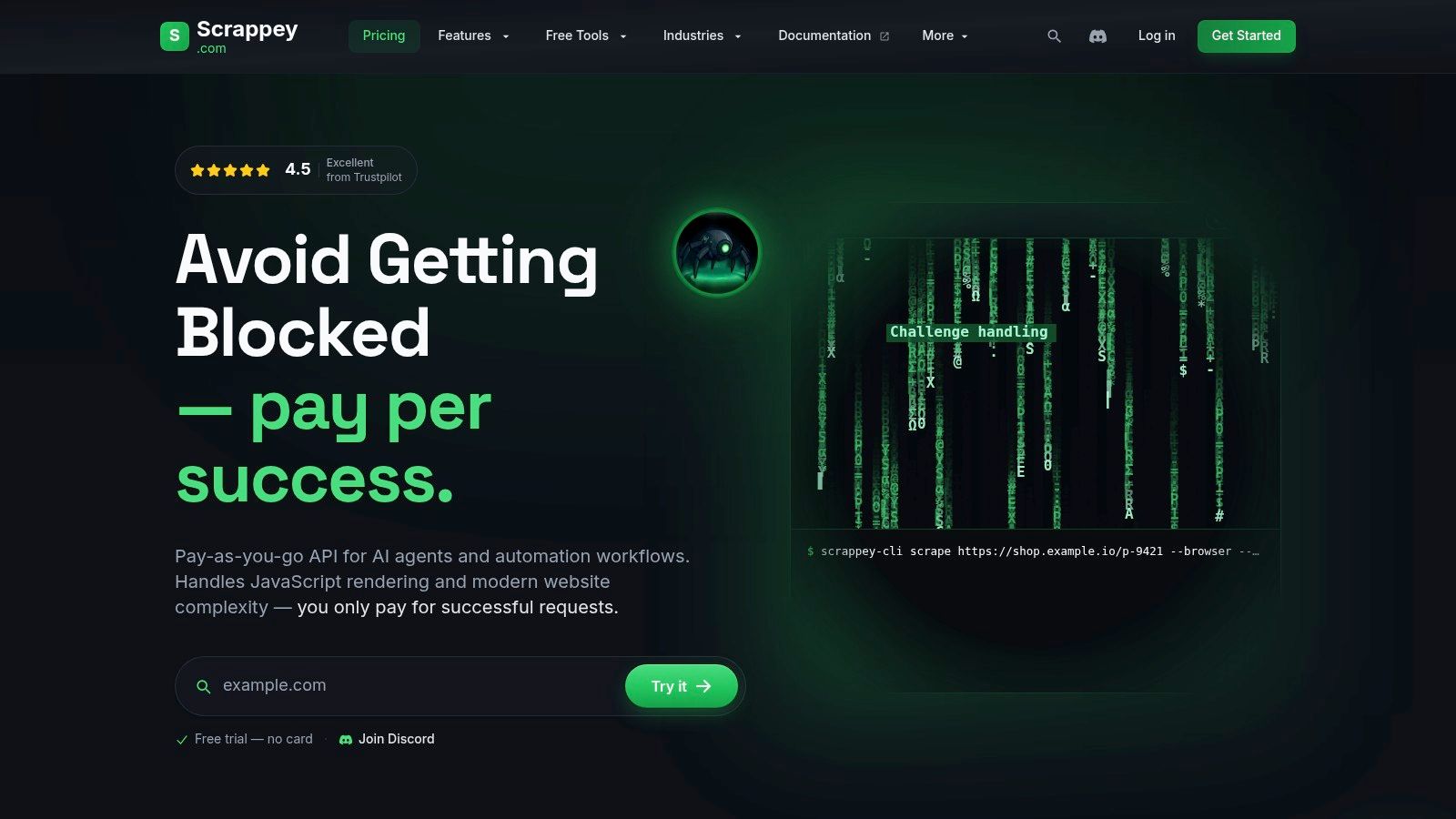
Start with the trade-off: Scrappey is a developer-run API, not a managed data service. We don't write custom scraping scripts for you, though we will write code snippets for AI extraction and JavaScript scenarios. If you want a vendor to own crawler logic end to end, buy elsewhere.
The design is one REST endpoint with two modes. Direct HTTP handles static pages and JSON endpoints. Full-browser rendering (Chrome or Firefox) handles anything that paints client-side, with residential proxies bundled into both modes, so you're not stitching a proxy contract onto a rendering contract. On top of that sit 30+ programmable browser actions, persistent session profiles managed across requests, and automated challenge handling for the pages where a plain GET returns a shell. For region-sensitive targets, mobile proxies and proxyRegion targeting can narrow residential exits below country level to a state or city.
Output Without Selectors
This is the part I'd weigh most heavily. AI extraction (autoparse) runs on GPT-4 or DeepSeek: you describe the fields you want in natural language and get back JSON in exactly the structure you define, with no CSS paths to maintain when the site renames a class. Output can also come back as clean HTML, cookies, screenshots, or LLM-ready Markdown, which is what makes it usable inside LangChain, LlamaIndex, n8n, Make, Zapier, Apify, and MCP-driven agents.
Practical rule: price the mode, not the request. A static endpoint and a rendered product page are different workloads, and any vendor quoting one blended number is hiding the mix.
Pricing is pay-as-you-go, charged only on success, with no monthly contract. Direct HTTP runs €0.20 per 1,000 requests and full-browser runs €1.00 per 1,000, proxies included at both tiers. New accounts get 150 free scrapes plus a demo trial with no card; subscriptions, if you want one, bill monthly or annually. Confirm the current rates on the pricing page before you budget, because per-1,000 numbers move. On the compliance side, the API only supports publicly available data, it grants you no permission to scrape any particular site, and you carry responsibility for applicable laws and site terms. If you process personal data through the API, there's a signable Data Processing Agreement.
Test to run: take ten product URLs that render prices client-side. Request autoparse JSON with your own field names, then re-run the same call after the site's next front-end deploy. If the schema still fills without edits, the selector tax is gone.
2. Bright Data
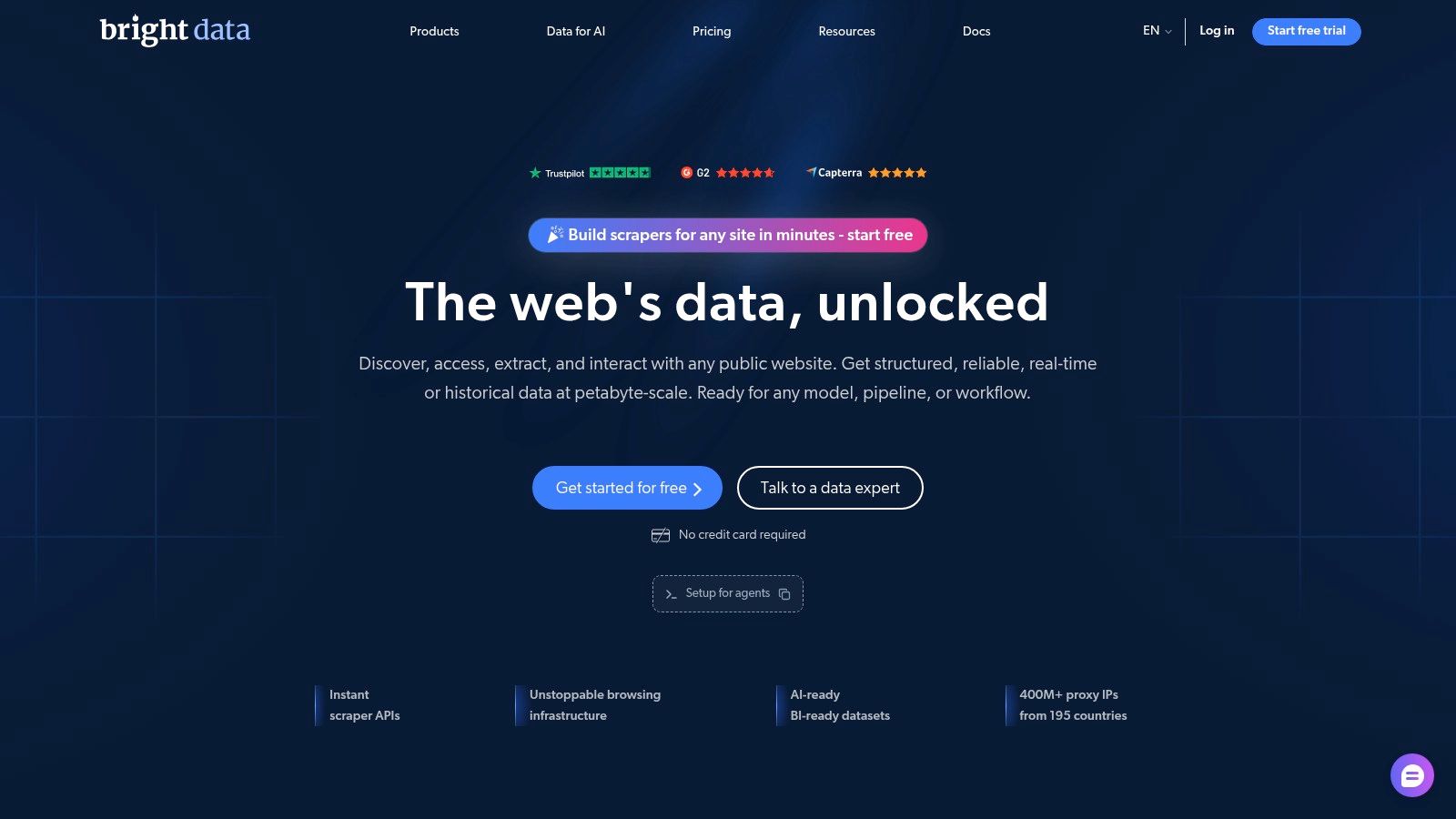
The trade-off here is surface area. Bright Data's platform spans ready-made scrapers for popular sites, custom scraper development, proxy infrastructure, browser rendering, unblocking, and data delivery, with API, dashboard, CLI, SDK, and MCP access. That breadth is the selling point and the cost: you'll spend real evaluation time deciding which product you're buying, and pricing shifts by scraper and volume.
For e-commerce and market-research teams, the maintained scrapers are the draw. Someone else absorbs the layout changes on a major marketplace, and you get JSON, NDJSON, or CSV out the other end instead of a parser to babysit. If your target isn't in the catalog, you're back to building, and the platform's value narrows to access infrastructure.
Demand behind this category is steady rather than explosive. market.us estimates the global web-scraping market at approximately USD 754.17 million in 2024 and projects USD 2.87 billion by 2034, a 14.3% compound annual growth rate, driven largely by price monitoring and competitive intelligence. Treat that directionally; analysts count software, managed services, and proxies differently.
If you're weighing the proxy layer separately from the scraper layer, our roundup of the top proxies for web scraping in 2026 breaks down where each type earns its cost.
Test to run: pick one catalog scraper and one custom target. Run 500 URLs of each, log delivered fields against expected fields, and divide total spend by rows that pass validation. A prebuilt scraper that returns 90% complete rows can beat a cheaper custom job that returns 60%.
3. Oxylabs
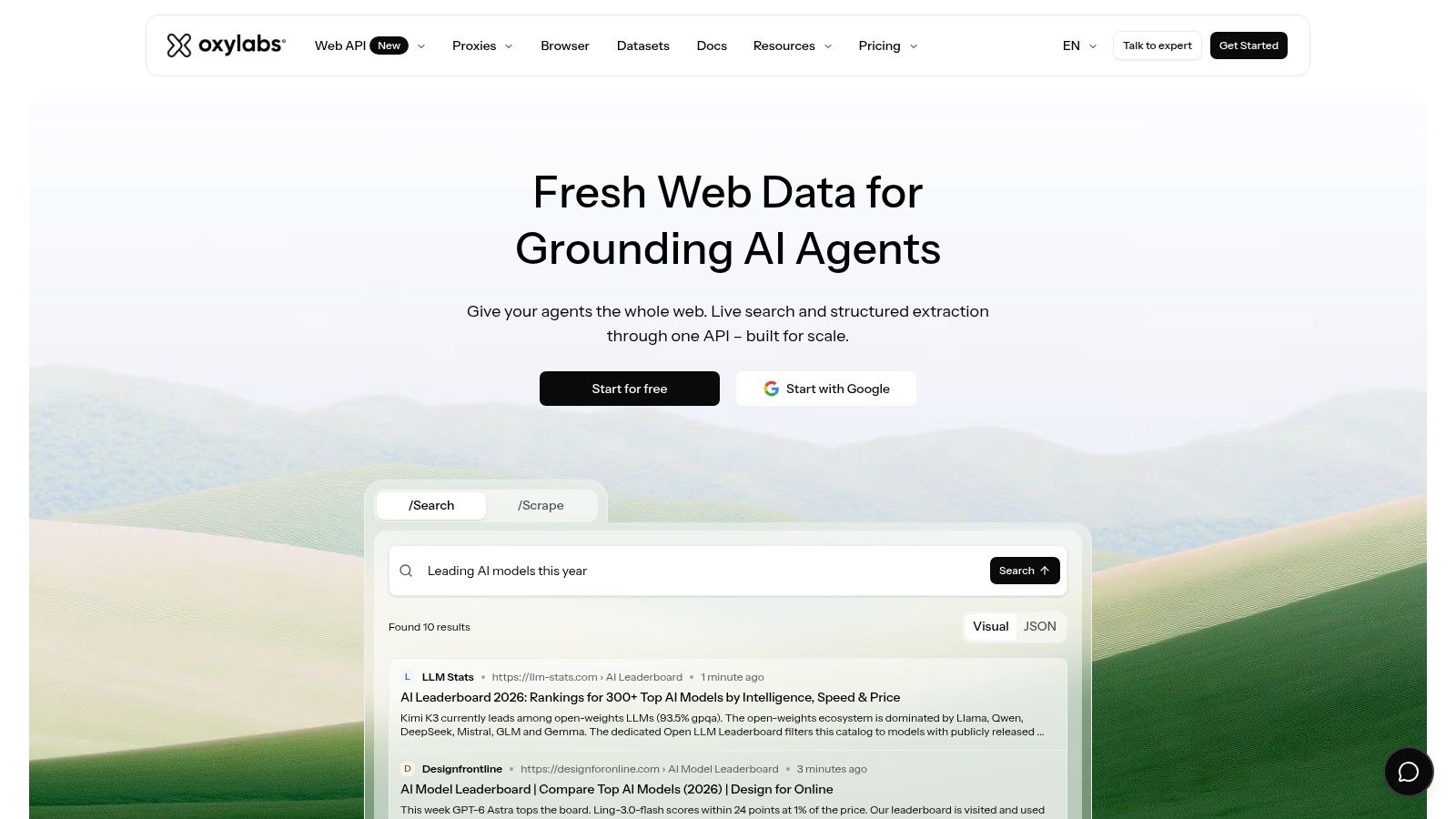
Two things give me pause. Pricing varies by target and by whether JavaScript rendering is switched on, and the monthly plans plus add-on proxy products are more machinery than an occasional project needs. You're buying a recurring relationship, not a tap you turn on for an afternoon.
What you get for that is range. Oxylabs' Web Scraper API retrieves pages and structured data, handles JavaScript rendering, manages proxies, deals with CAPTCHAs, and ships parsers for common targets. Batch and scheduled scraping suit recurring research jobs, and the separate proxy products let you drop to a lower level when the managed API doesn't fit a specific site.
The published per-result pricing is useful for budgeting, more so than credit systems where a "request" means five different things. Just don't read a headline success rate as a promise about your domain list.
A vendor's global success rate is an average over someone else's targets. Yours are the only ones that count.
Test to run: build two batches from the same 300 URLs, one with rendering off and one with rendering on. Compare cost per returned result and field completeness. If the no-render batch already fills every field, you've found a workload you shouldn't be paying browser prices for.
4. Zyte
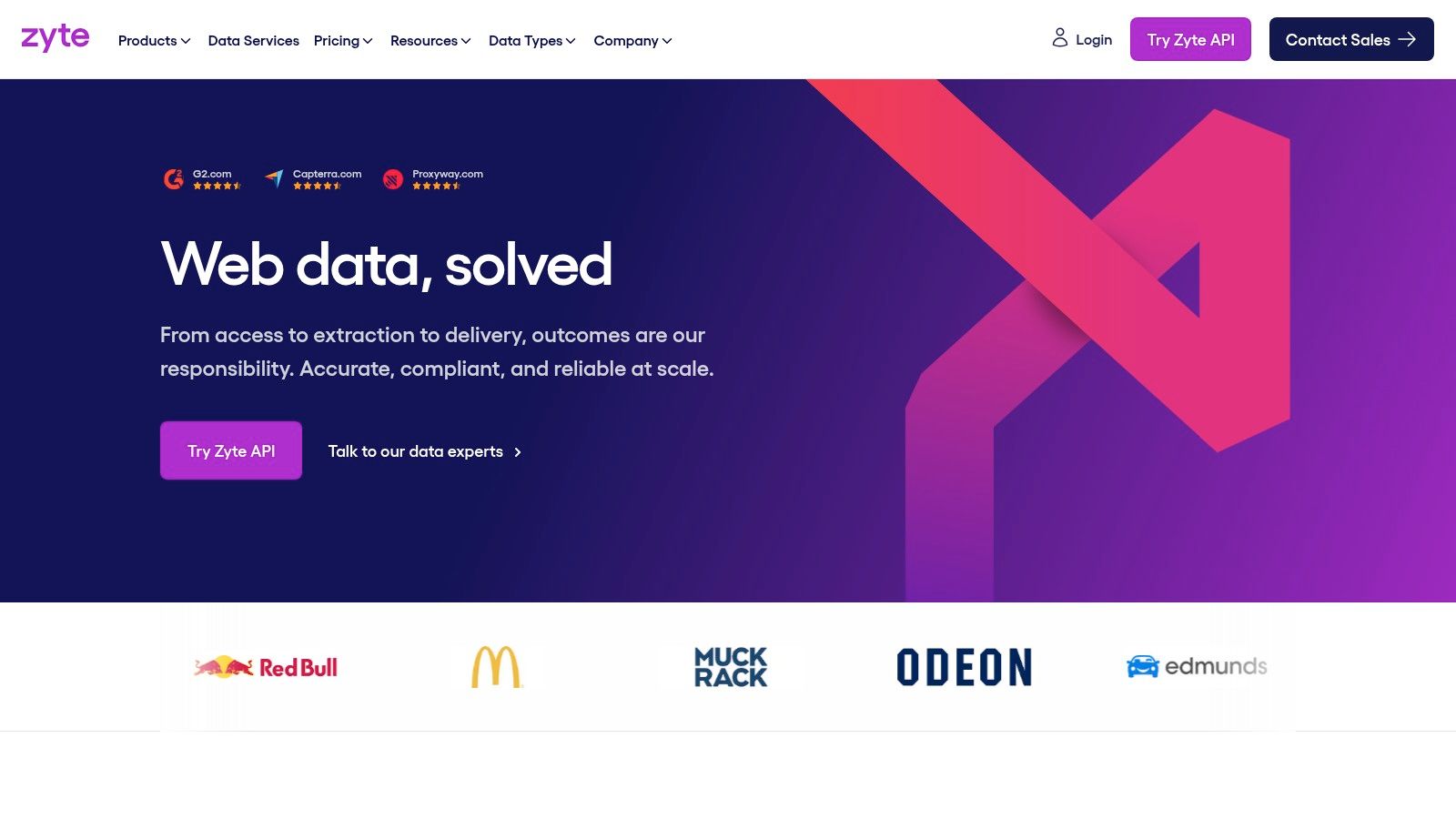
Python teams have a specific reason to look here. A 2026 academic history of web scraping identifies 2010 as the milestone when the open-source Scrapy project became the basis for a commercial business, which is the lineage behind Zyte. If your crawlers are already Scrapy spiders, you can keep the framework and offload the access layer instead of rewriting everything around a foreign SDK.
The friction is cost modeling. Zyte's API prices by target site and request type, and it selects access methods per request, so two URLs in the same batch can carry different prices. Charges apply to successful responses and pay-as-you-go is available without a standard monthly commitment, which I prefer over expiring credits. Advanced support, consulting, and volume discounts sit behind enterprise arrangements.
Setup is heavier than a single-endpoint API. That's the honest trade: more knobs, more control, more to configure before your first row lands.
Test to run: run your ten hardest URLs through the API with automatic extraction on, then compare against your own Scrapy parser output on the same pages. Log the per-request price the API assigns to each domain. That price list, not the pricing page, is your real budget.
5. ScrapingBee
The credit math is where this one bites. JavaScript rendering and premium proxies burn credits at different multipliers, and monthly credits expire rather than rolling over. A plan that looks generous at one credit per request can shrink fast once every URL needs a browser and a premium exit node.
ScrapingBee's API is otherwise refreshingly direct: rendering, rotating proxies, geotargeting, screenshots, and CSS or XPath extraction rules you supply yourself. Note that last part. Rules-based extraction means you own the selectors, and you'll edit them the week the site ships a redesign. The dedicated APIs for targets like Google and Amazon are the exception, and they're the reason many teams pick it.
Entry-level paid plans are publicly listed, which makes a first evaluation cheap and quick. For SERP tracking at moderate volume, that combination is hard to argue with.
If you're comparing options in this slot, our list of ScrapingBee alternative tools covers the trade-offs across the field.
Test to run: take a batch of SERP queries and an equal batch of JavaScript-heavy product pages. Record credits consumed per successful call for each group separately, then extrapolate to your monthly volume. If the two multipliers differ by an order of magnitude, budget them as two separate line items.
6. ScraperAPI
Concurrency is the failure mode people discover in production, not in testing. Requests beyond your plan's concurrency limit can be rejected rather than queued, so a fan-out job that worked at ten workers starts throwing errors at fifty. Size your worker pool against the plan, not against your queue depth.
ScraperAPI's endpoint bundles proxy rotation, JavaScript rendering, retries, and CAPTCHA and anti-bot handling behind one call, with JSON auto-parsing for supported targets and custom session support when you need sticky identity. Paid plans include crawler access, and the domain cost estimator plus per-request cost controls are useful guardrails.
- Free tier: enough to prove the endpoint works on your targets before a card goes in.
- Credit multipliers: difficult domains and special handling consume extra credits, so the estimator matters more than the plan table.
- Subscription floor: some paid plans require a monthly commitment, which is dead weight for seasonal work.
For a developer who wants managed access without running proxy infrastructure, this is a reasonable default. Our guide to the data extraction API explains what that layer should and shouldn't own.
Test to run: point the estimator at your five most important domains, then send 200 real requests to each at your intended concurrency. Compare estimated credits to billed credits and count rejected calls. Any gap between those two numbers is your production surprise.
7. Apify
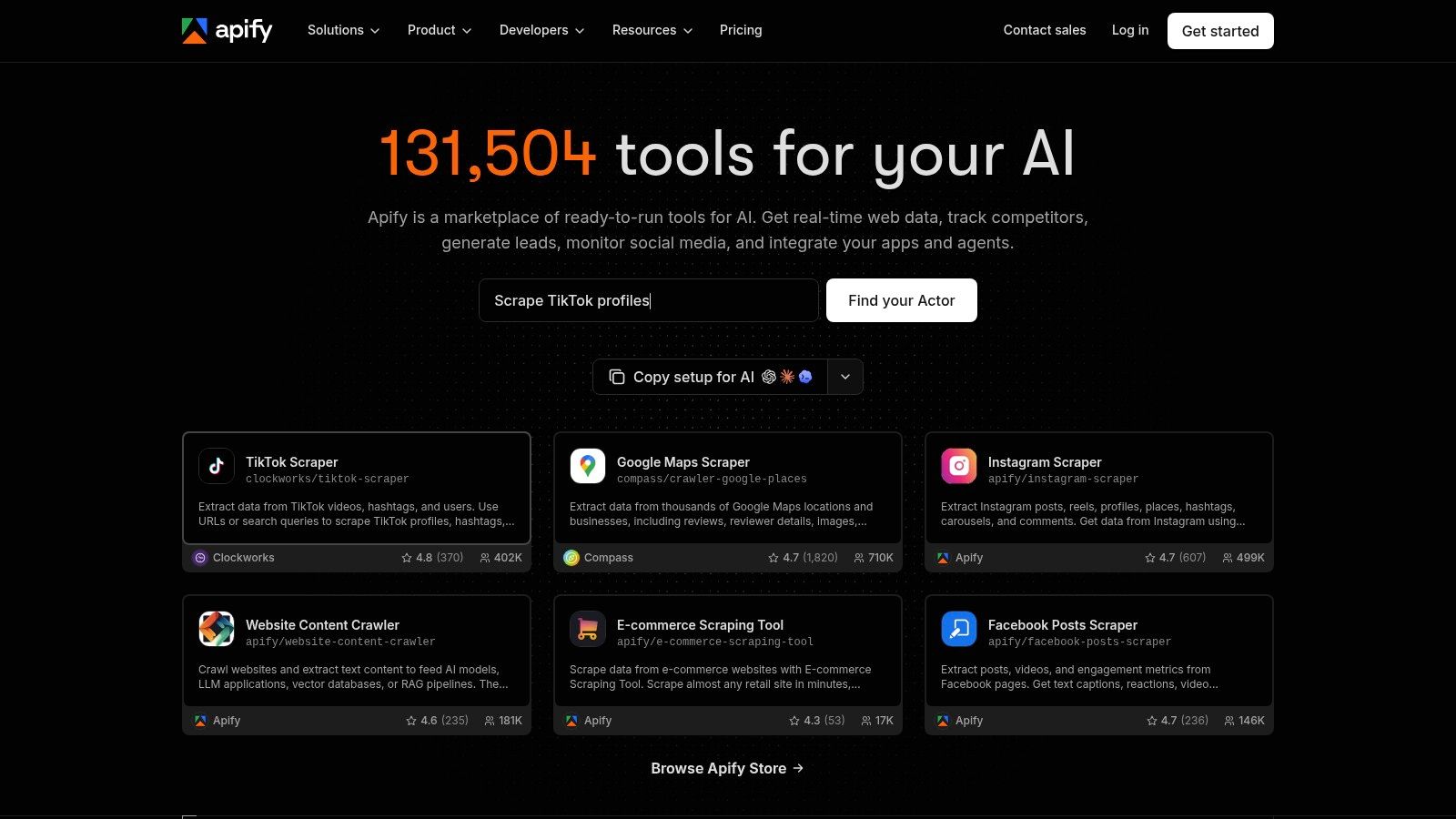
Apify isn't an API, it's a runtime. You build or borrow an Actor, schedule it, and read results from a dataset. That's excellent for recurring workflows and overkill if you just want a URL turned into JSON inside a request handler.
The variance is the trade-off. Actors in the Store come from different creators, so quality, maintenance cadence, and billing model differ tool by tool. Some charge by usage, some pay-per-event, and your total can include platform compute plus Actor-specific fees. Read the Actor's pricing before you schedule it nightly.
Portfolio scale is now normal, not exotic. In Apify's December 2024 developer survey, 21.7% of respondents built more than 20 scrapers in the preceding year, and automated actor runs on the platform exceeded 37 million by October 2024. Those are platform-specific figures, but they describe the shift: teams manage fleets, not scripts.
Once you run a fleet, the metric that matters is cost per validated record per site, not total requests per month.
Test to run: install two Actors that claim the same target site. Run both on an identical URL list, then diff the output schemas and count missing fields. Check each Actor's last update date. The one maintained this month is usually the one that survives next quarter.
8. Firecrawl
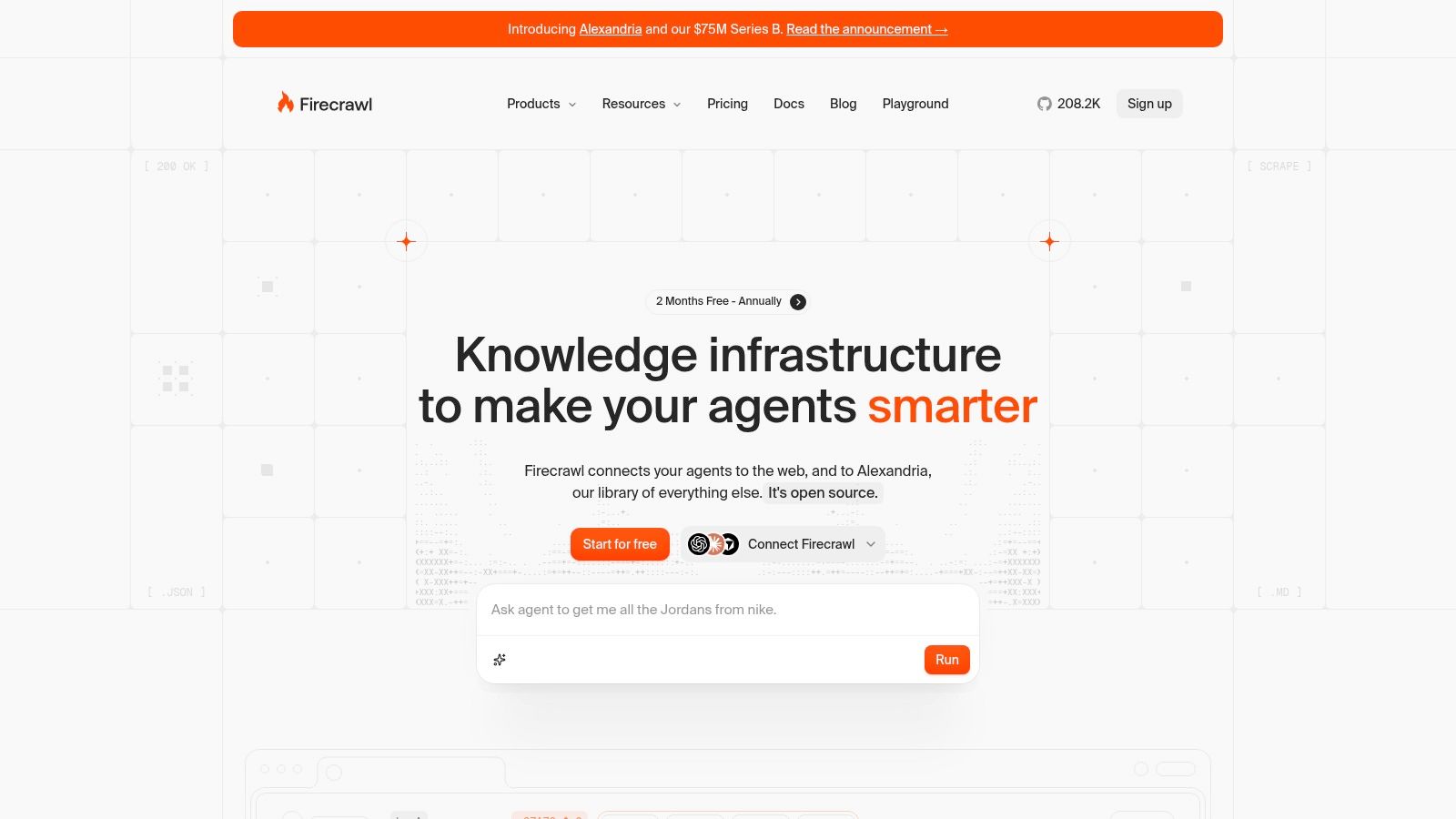
Markdown-first output is the pitch and the limitation. Firecrawl's API scrapes a page, crawls linked pages, discovers URLs through a map endpoint, and supports browser interaction, returning content that drops straight into a retrieval pipeline. For documentation ingestion and RAG, that's exactly right. For 40 structured product fields with strict types, you'll add parsing on top.
Credits vary by endpoint and options, with JSON extraction and browser interaction costing extra. And the open-source route isn't equivalent: self-hosted deployments don't include the hosted managed proxy and anti-bot layer, which is the part you needed on protected sites.
This category is under more pressure than it was. DataDome's 2025 global bot security report found that AI crawler traffic quadrupled across its customer base in 2025 and exceeded one in ten verified bot requests. Publishers are responding, so an ingestion pipeline that worked last year needs challenge handling and a provenance record now, not just a fetch loop.
Test to run: map one documentation site, then crawl 50 pages with Markdown output and 50 with JSON extraction. Compare credit burn, and check whether headings, tables, and code blocks survive intact. Chunk quality downstream depends on that structure, not on the fetch succeeding.
9. ZenRows
One credit balance across scraping, crawling, browser sessions, and extraction sounds tidy until you see the multipliers. Rendering and premium proxies change what a single call costs, sometimes substantially, and monthly credits plus concurrency limits vary by plan. Your bill depends on technique mix, not URL count.
ZenRows' platform returns HTML, Markdown, JSON, or screenshots, supports browser sessions and batch jobs, and covers both plain pages and protected, JavaScript-heavy targets from one service. Pricing terms shown say failed requests aren't charged, and there's a free tier without a credit card, so evaluation costs you nothing but time.
What I like is the range of collection patterns under one account. What I'd watch is the temptation to leave rendering on globally because it's convenient. That's how a static-page workload ends up priced like a browser workload.
Test to run: split 200 URLs into static and dynamic groups. Run the static group with rendering and premium proxies disabled, the dynamic group with them enabled, and record credits per group. Then calculate a blended cost per accepted record. If the blend is dominated by pages that never needed a browser, change your defaults.
10. Decodo
Check the pricing page before you model anything. Current paid-plan rates and request limits need confirming, and the product range makes cross-vendor cost comparison less straightforward than a single-endpoint API. Structured fields and output formats also depend on which endpoint and target you're using.
Decodo's Web Data API combines scraping, crawling, mapping, and search, with specialized offerings for e-commerce and SERP data and outputs in HTML, JSON, and Markdown. SDKs for Python, TypeScript, and Go, plus a CLI and an MCP server, make it a sensible pick for teams wiring collection into agents or automated pipelines. A free plan covers core API features.
The MCP support is the practical differentiator for agent work. If your consumer is a model calling tools rather than a cron job writing CSVs, having the server already built saves you a wrapper you'd otherwise maintain.
Test to run: call the scrape endpoint and the specialized e-commerce endpoint on the same ten product URLs. Diff the returned field sets and note which endpoint gives you price, availability, and variant data without extra parsing. Then confirm the current rate for whichever endpoint won, and budget from that number.
How the 10 data extraction companies compare on output, pricing model, free start, and best fit
Read the free-start column first: a free trial or tier lets you run your own target pages before committing money. Output format decides how much parsing lands on your side, and the pricing model decides what a failed request costs you.
| Item | Output formats | Pricing model | Free start | Best fit |
|---|---|---|---|---|
| Scrappey | HTML, JSON, cookies, screenshots, Markdown | Pay per successful request (HTTP €0.20/1K, browser €1.00/1K) | 150 free scrapes, no credit card | Developers scraping dynamic sites and building AI workflows |
| Bright Data | JSON, NDJSON, CSV | Subscription plans and pay-as-you-go by product | Free trial | High-volume collection and managed data pipelines |
| Oxylabs | Page content and structured data | Pay-as-you-go and subscription plans | Free trial | Recurring research and e-commerce monitoring |
| Zyte | Page content and extracted data | Pay as you go, priced per request by site difficulty | Free trial | Python teams building managed Scrapy workflows |
| ScrapingBee | Retrieved pages and extracted data | Paid plans with monthly credits | Free trial with starter credits | Developers seeking a straightforward scraping API |
| ScraperAPI | Pages and parsed JSON | Free tier and subscription plans | Free tier | Developers who want managed proxies and anti-bot handling |
| Apify | Actor-dependent datasets and results | Usage-based or pay per event | Free plan | Reusable, scheduled scraping and browser automation |
| Firecrawl | Markdown and structured JSON | Credit-based plans, cost varies by endpoint and options | Free tier | Crawling websites for AI, search, and research |
| ZenRows | HTML, Markdown, JSON, screenshots | Credit-based, cost scales with features used per request | Free tier, no credit card | Developers collecting data from protected or dynamic sites |
| Decodo | HTML, JSON, Markdown | Subscription plans | Free plan | Teams building data pipelines and AI-agent workflows |
Pick the Provider That Fails Least on Your Target Sites
Feature counts don't predict production behavior. Your URLs do. Take five to ten representative pages, and make sure the set includes the worst ones: the client-rendered product grid, the paginated category, the page behind a verification interstitial, the endpoint that only responds from a specific country. Easy pages tell you nothing about the vendor you'll need in month three.
Run the same set through every shortlisted provider and log four things separately.
- Success rate: did the call return the document, not a challenge page with a 200 status?
- Field accuracy: does each expected field match what a human sees in a browser?
- Freshness: is the value current, or a cached result from an earlier crawl?
- Cost per usable record: total spend, including retries, browser execution, proxy usage, parsing, deduplication, and human review, divided by rows that pass validation.
That last number reorders most shortlists. F5's analysis of more than 200 billion web and API transactions found scrapers were the most prevalent automated threat and that more than half of web-content requests came from scrapers, with scraping automation reaching 53.23% in fashion. High-value targets are exactly where blocking, challenge flows, and stale duplicates inflate the cost of a usable row. The cheapest request can be the most expensive pipeline.
Confirm current pricing on each vendor's own page before you commit, because credit multipliers and per-target rates change more often than plan names do. Read the data processing and legal terms too, especially if you're collecting anything personal or feeding a training set. Ask for timestamped source capture, retention controls, deletion workflows, and audit logs. A technically successful extraction can still create copyright, privacy, or contractual exposure, and higher capability raises that risk unless provenance is treated as part of the product.
Keep a second provider wired in behind an interface you control. One adapter, two backends, a config flag. When a vendor has an outage on your target class or reprices a mode you depend on, you switch instead of stopping. I'd rather pay slightly more per record for a pipeline that never goes dark than optimize a single vendor into a single point of failure.
We built Scrappey for the failure mode this comparison keeps circling: real Chrome and Firefox rendering, residential proxies included, challenge workflows, and AI extraction that returns JSON in the schema you describe instead of selectors you maintain. Direct HTTP and full-browser modes are both pay-per-success with no monthly contract, and 150 free scrapes plus a card-free demo trial are enough to run the ten-URL test on your own hardest pages. Point it at the site that broke your last scraper, then visit Scrappey to set up your account and see the output for yourself.